
Download rules and the download PIN
Choose which sizes clients can download, offer originals or not, and ask for a 4-digit PIN before downloads.
Set these on the gallery's Settings tab, under Downloads. Click Save settings when you're done.
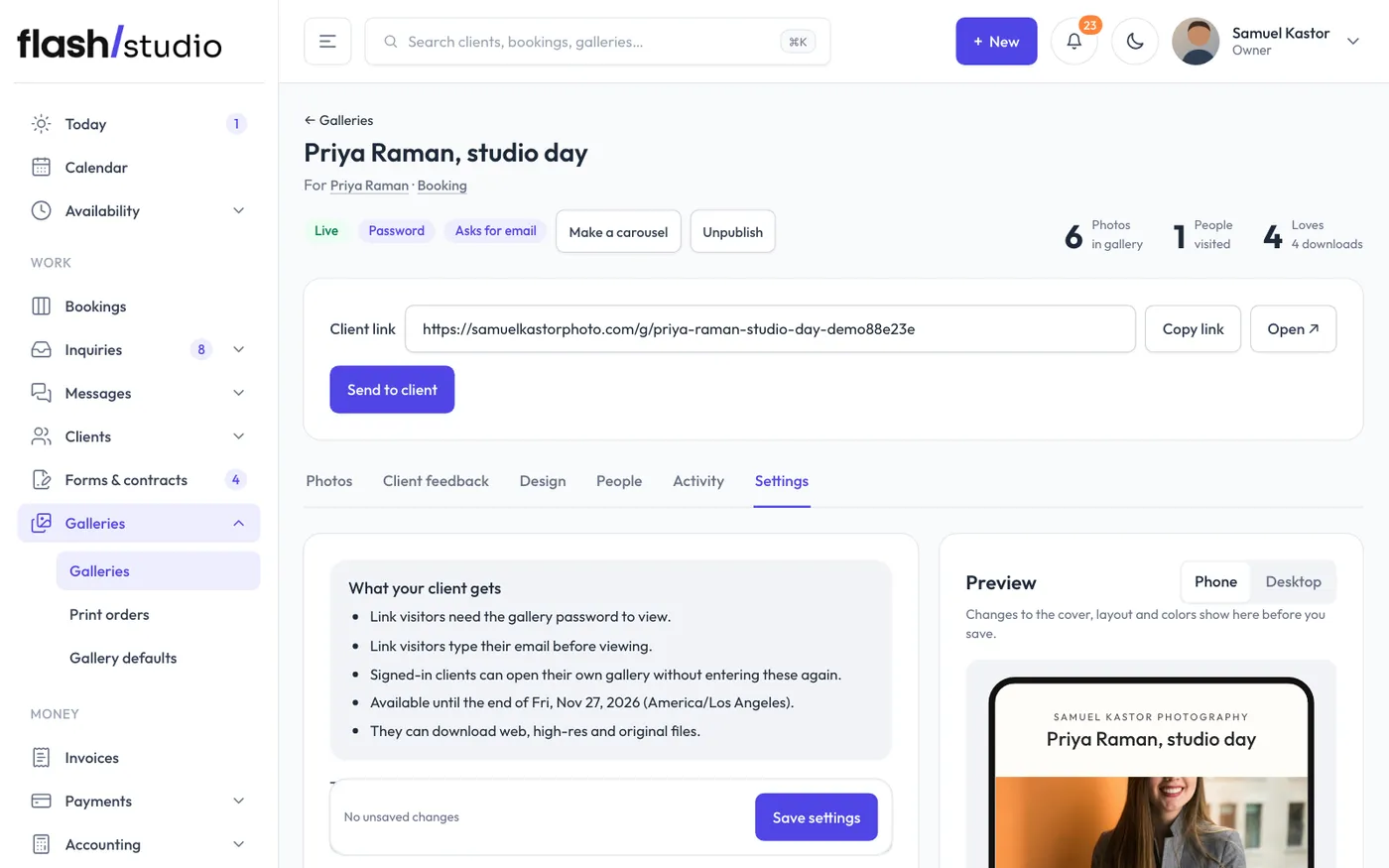
What clients can download
- Every size: Web & social, High resolution, and the original if Allow full-resolution originals is ticked.
- Web size only: just Web & social (2048px). Good for galleries where prints come from you.
- No downloads (view only): clients can look, heart and rate, but there's no Download button.
Allow full-resolution originals is on by default. Untick it to keep your original files to yourself.
Download PIN
Type 4 digits in Download PIN (optional) and save. Clients are asked for the PIN before their first download, never for viewing. Each device remembers it for 30 days. If you change the PIN, everyone is asked for the new one.
The PIN goes in the email when you send the gallery, and in the Open in my email app message. To stop asking for it, tick Remove PIN and save.
A PIN is handy when you want family and friends to see a gallery but only your client to download.
Other things that turn downloads off
- Proofing: shows watermarked photos for choosing favorites, with no downloads. See Proofing and your watermark.
- Lock downloads until balance is paid: see Lock downloads until the balance is paid.