









Skip to content
Join the beta: 60 days free, then 25% off for as long as you stay. Limited to the first 50 studios.Join the beta: 60 days free, then 25% off.Join

The business behind the photographs

One app for the whole studio.

For working photographers: book sessions, collect payments, send contracts and deliver galleries, with your website and client details already connected. One login. One bill.

Free for 60 days. No card needed.

  • Deposits taken the moment they book
  • Galleries clients open without an account
  • One record for each client, start to finish
  • We'll move your clients over for you
Portrait in blue light
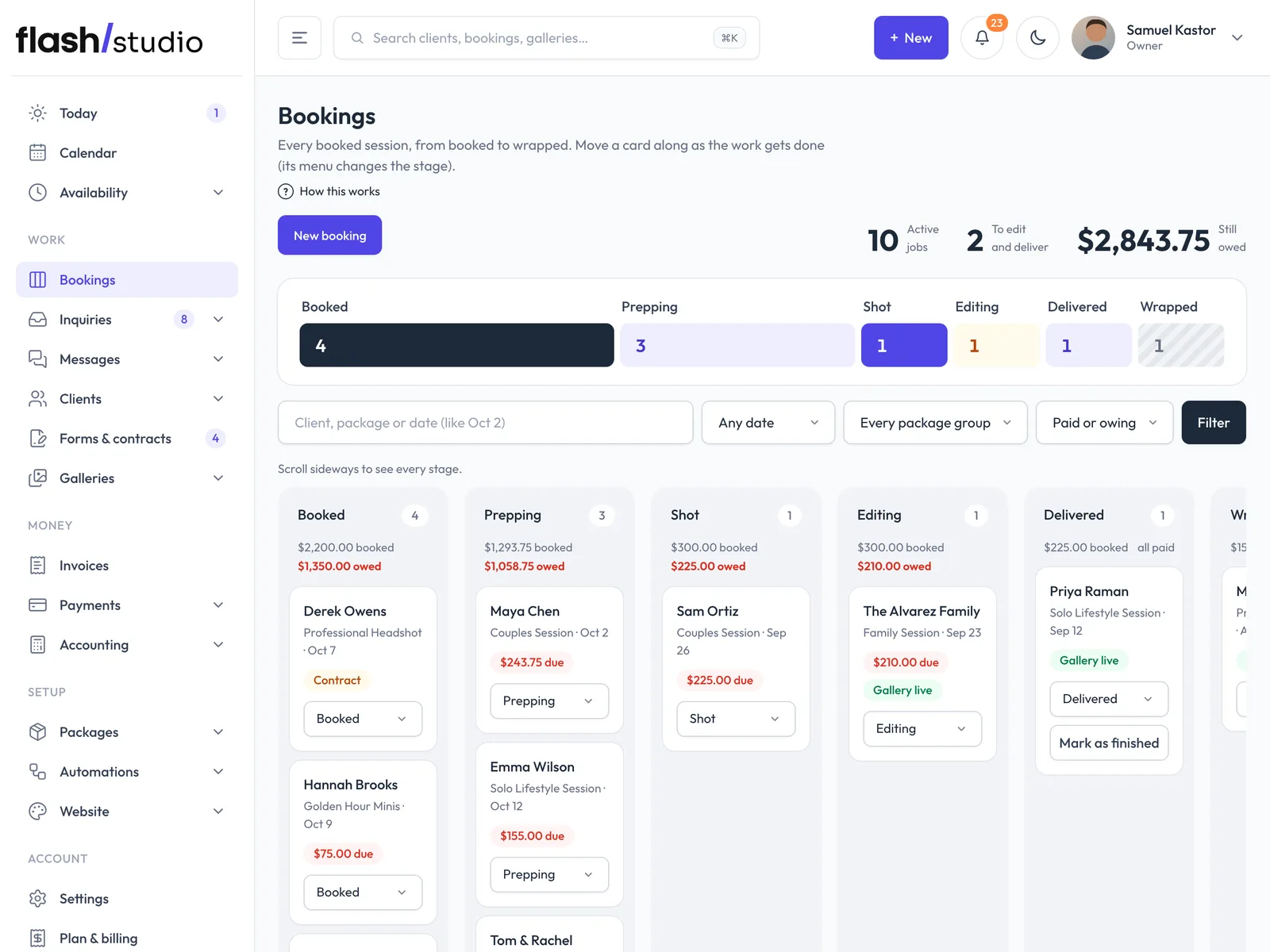
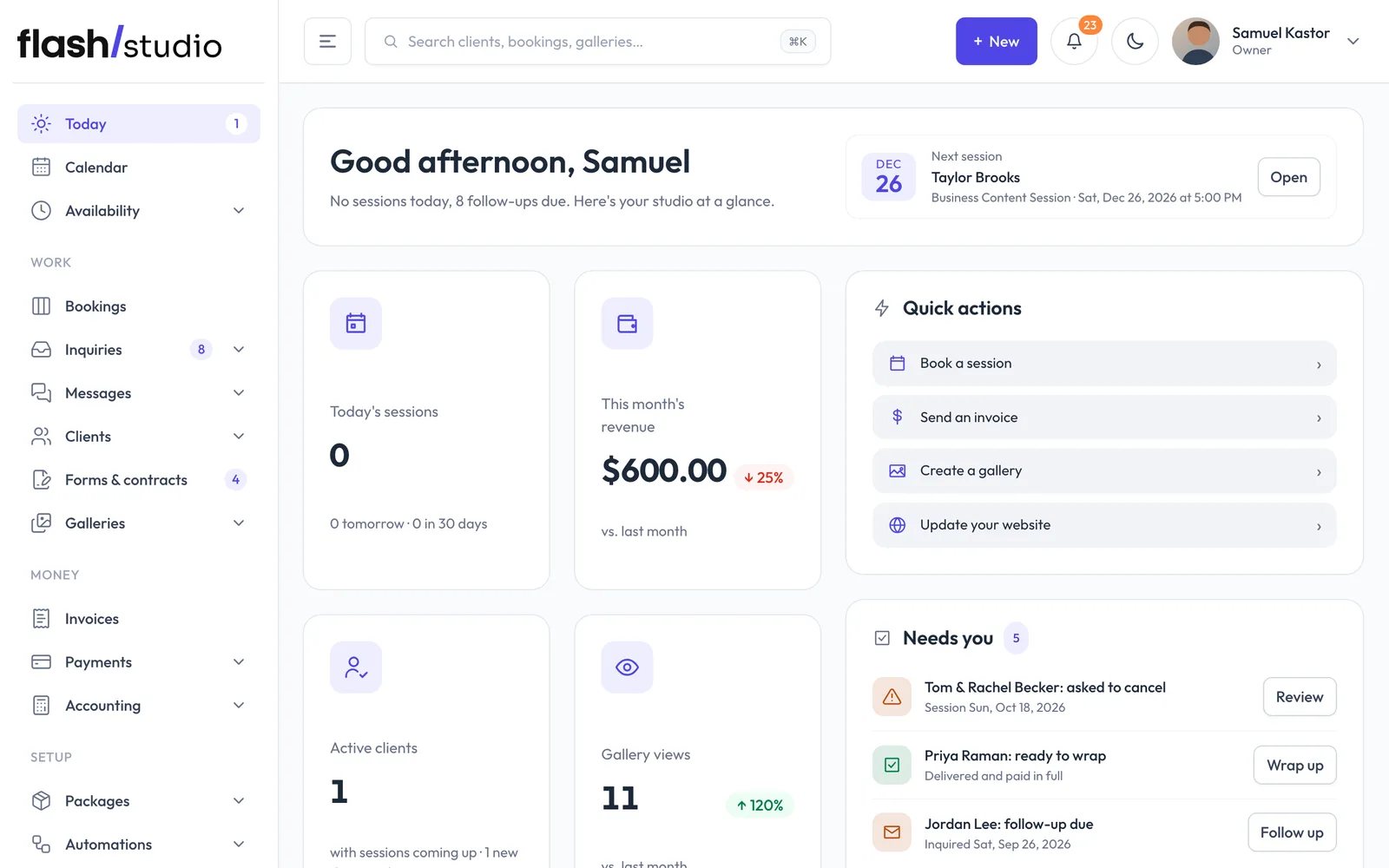
The Flashslash studio admin: today's sessions, inquiries and payments
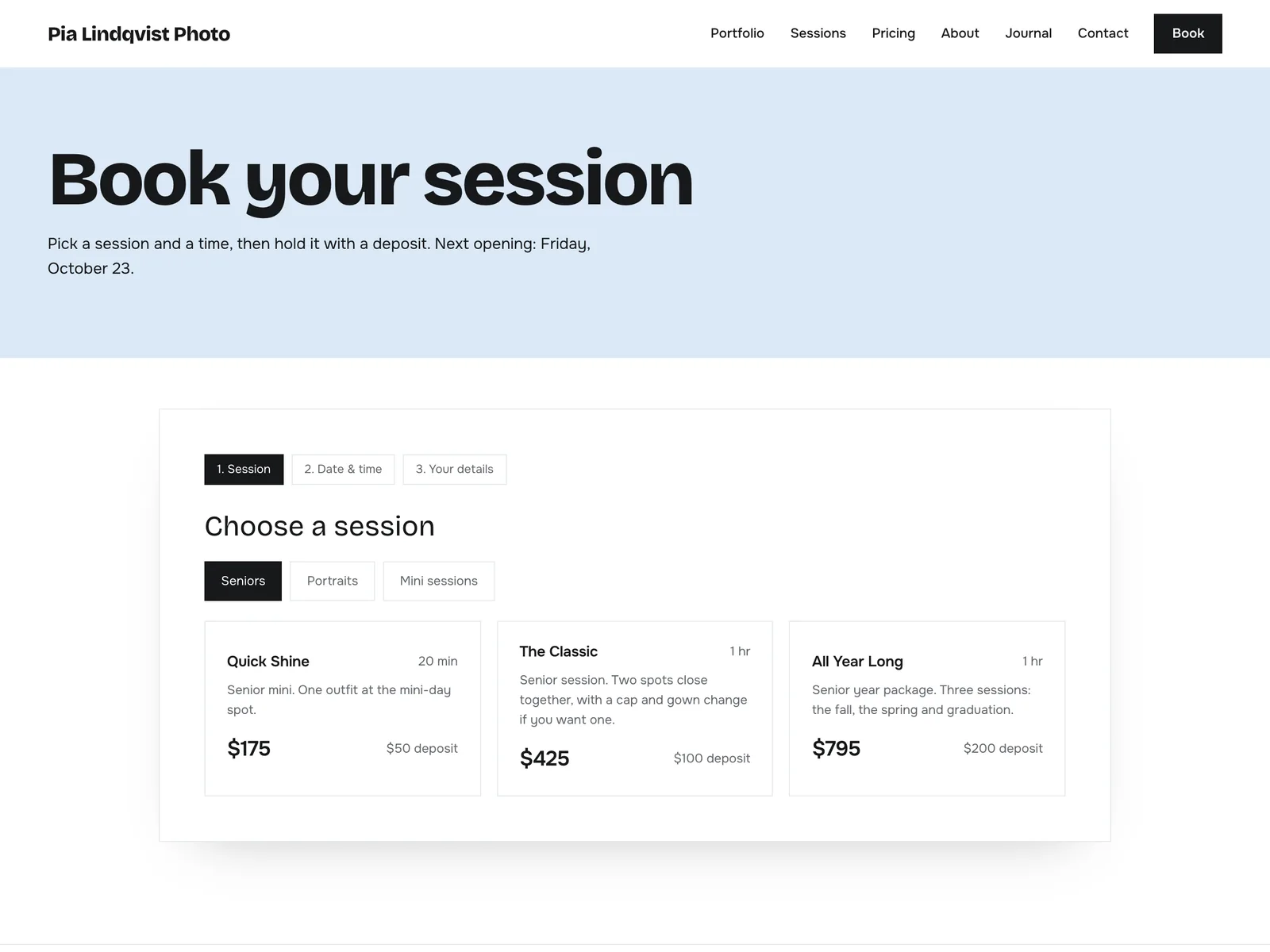
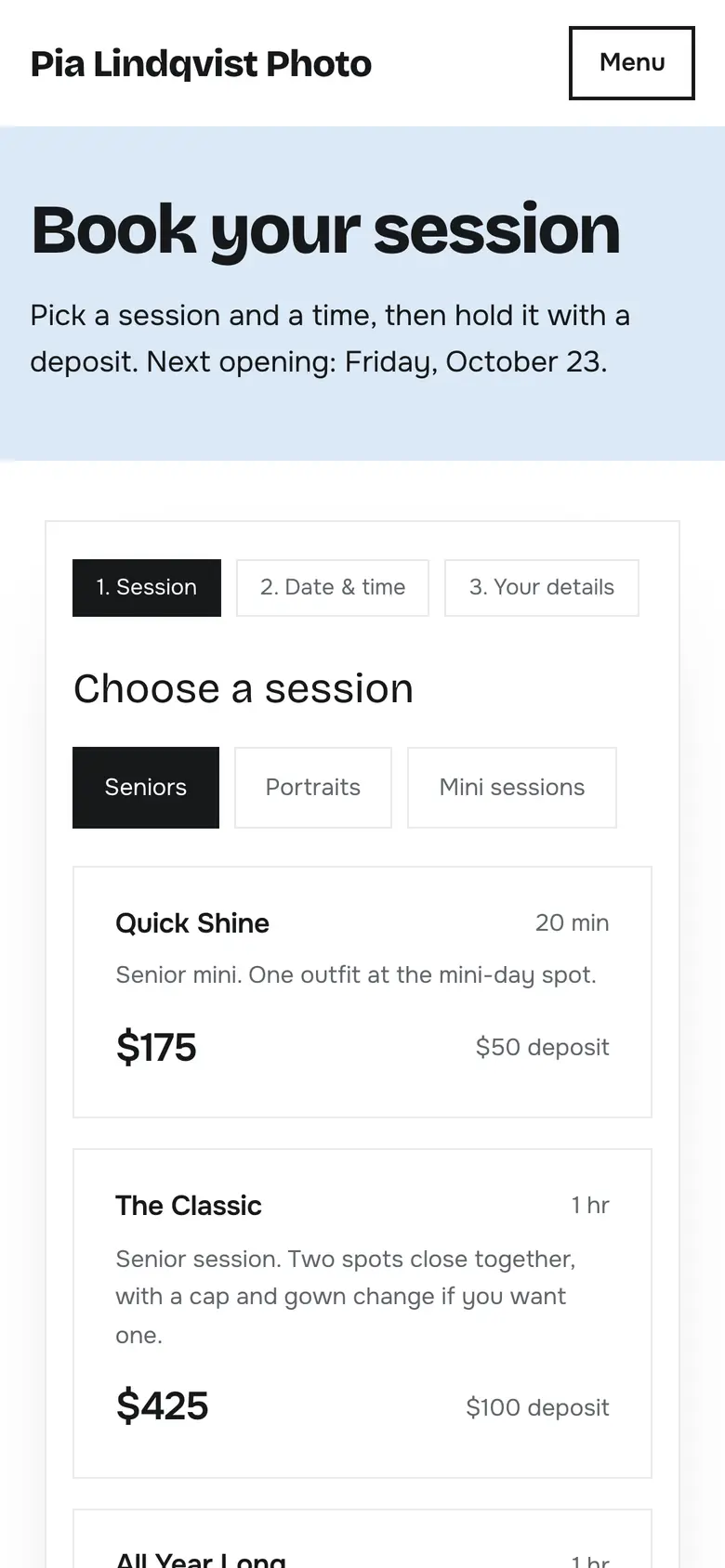
A studio's booking page on a phone: choose a session, with Quick Shine at $175 and a $50 deposit

Everything in one place

Every part of the studio has a

  • Your day at a glance

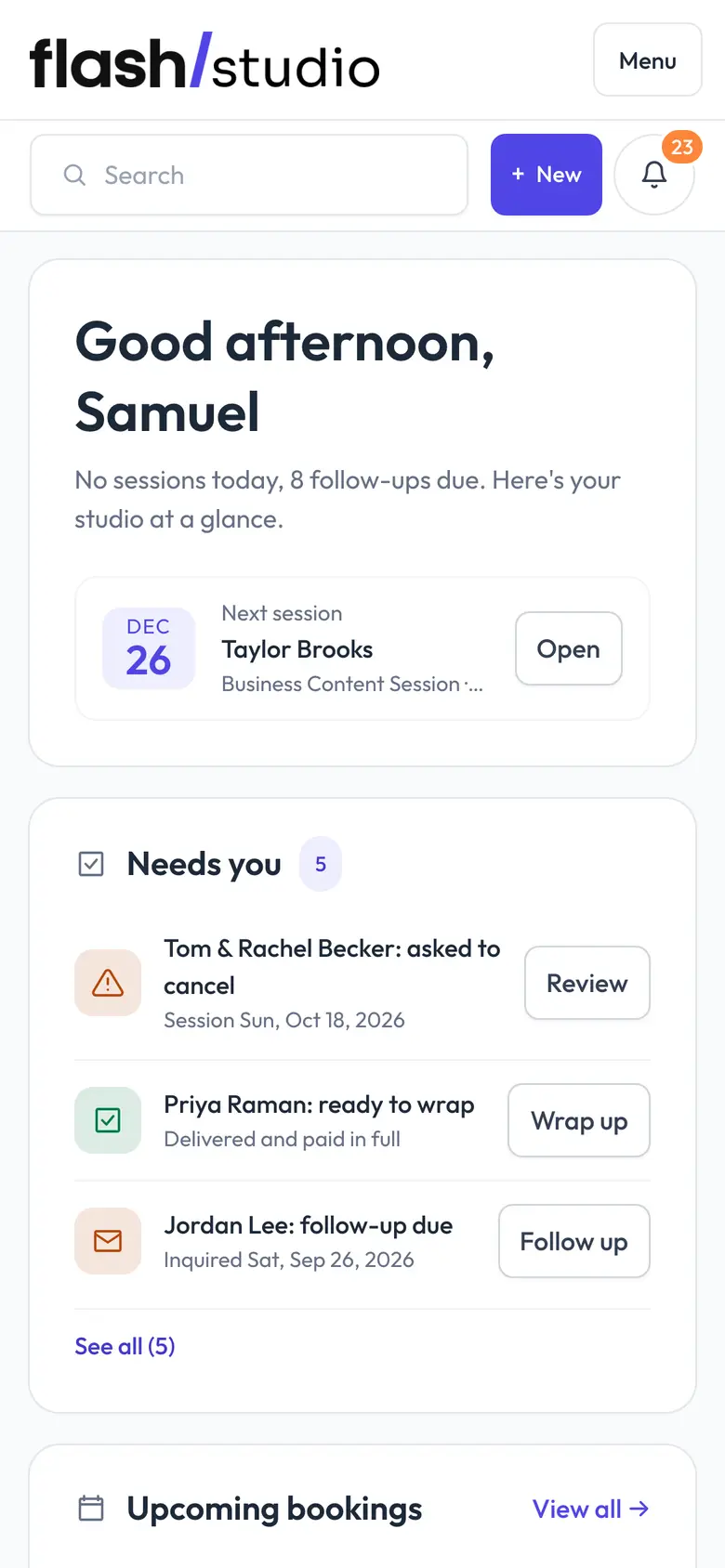
    Today's sessions, what's due and who needs a reply, the moment you sign in.

  • Booking and scheduling

    Packages, your hours, mini session days and deposits taken when they book.

    How it works
  • Contracts and forms

    Contracts signed on their phone and questionnaires sent with every booking.

    How it works
  • Invoices and payments

    Deposits, balances and payment plans, paid into your own Stripe account.

    How it works
  • Galleries and storage

    Every session's photos, video and RAW files, in galleries clients open without an account.

    How it works
  • Your website

    A photographer's website with booking, the client portal and galleries built in.

    How it works
  • Clients

    One record for each client: sessions, messages, forms, payments and galleries.

  • Messages

    Client emails and inquiries in one inbox, next to the booking they belong to.

  • Automations

    Reminders, follow-ups and thank-you emails that send themselves.

  • Print orders

    Clients order prints from the gallery through your own lab, with no commission.

Flashslash in action

One booking, start to finish.

Here's what happens when someone books you. Most of it you never have to touch.

  1. 01Your client

    Books a session

    Picks a session and a time on your website, at 11pm if they like, and pays the deposit by card.

    See it
    A studio's booking page on a phone: choose a session, with Quick Shine at $175 and a $50 deposit
  2. 02Flashslash does it

    Records the deposit

    The payment lands in your Stripe account, the booking is confirmed and it's on your calendar.

    See it
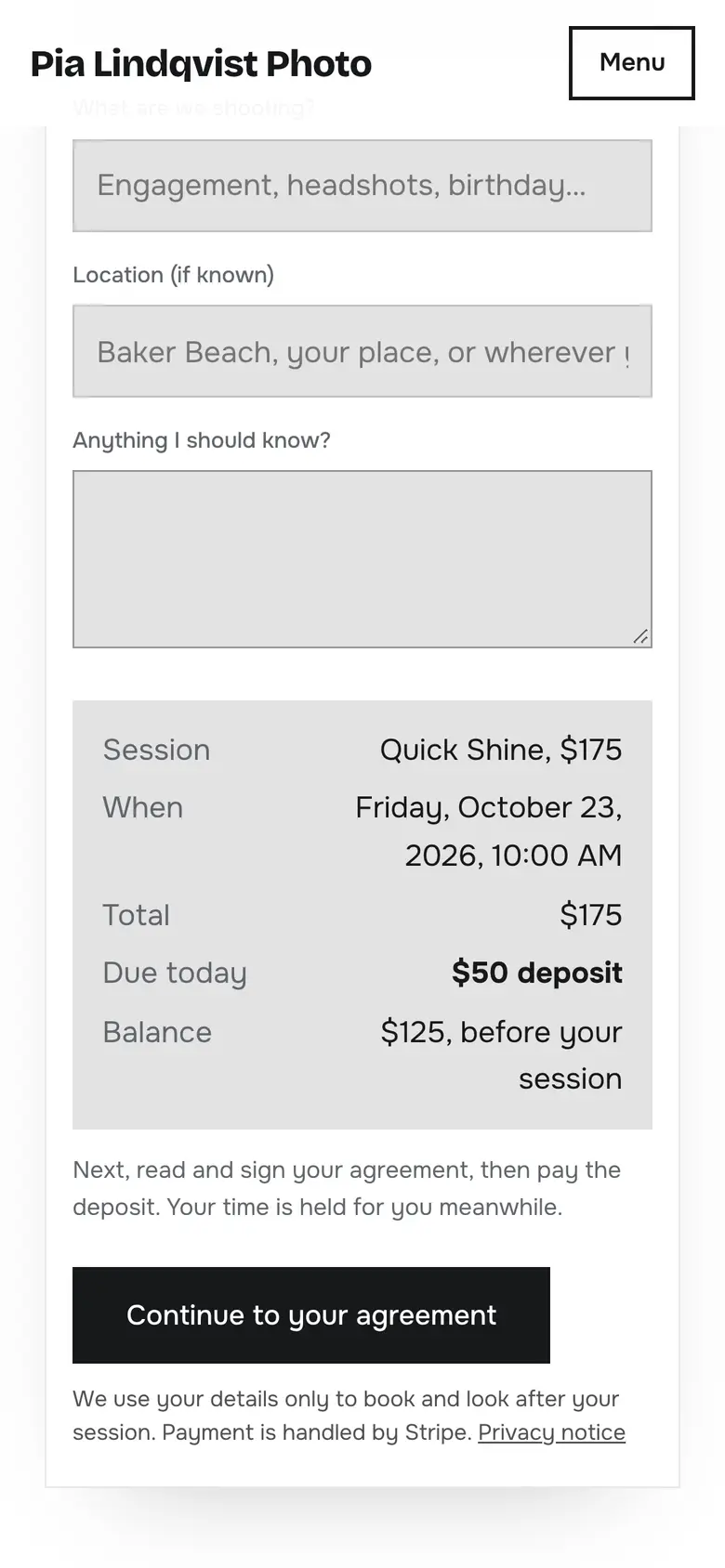
    The last booking step on a phone: the session, date and time, $50 deposit due today and the balance before the session
  3. 03Flashslash does it

    Sends the contract

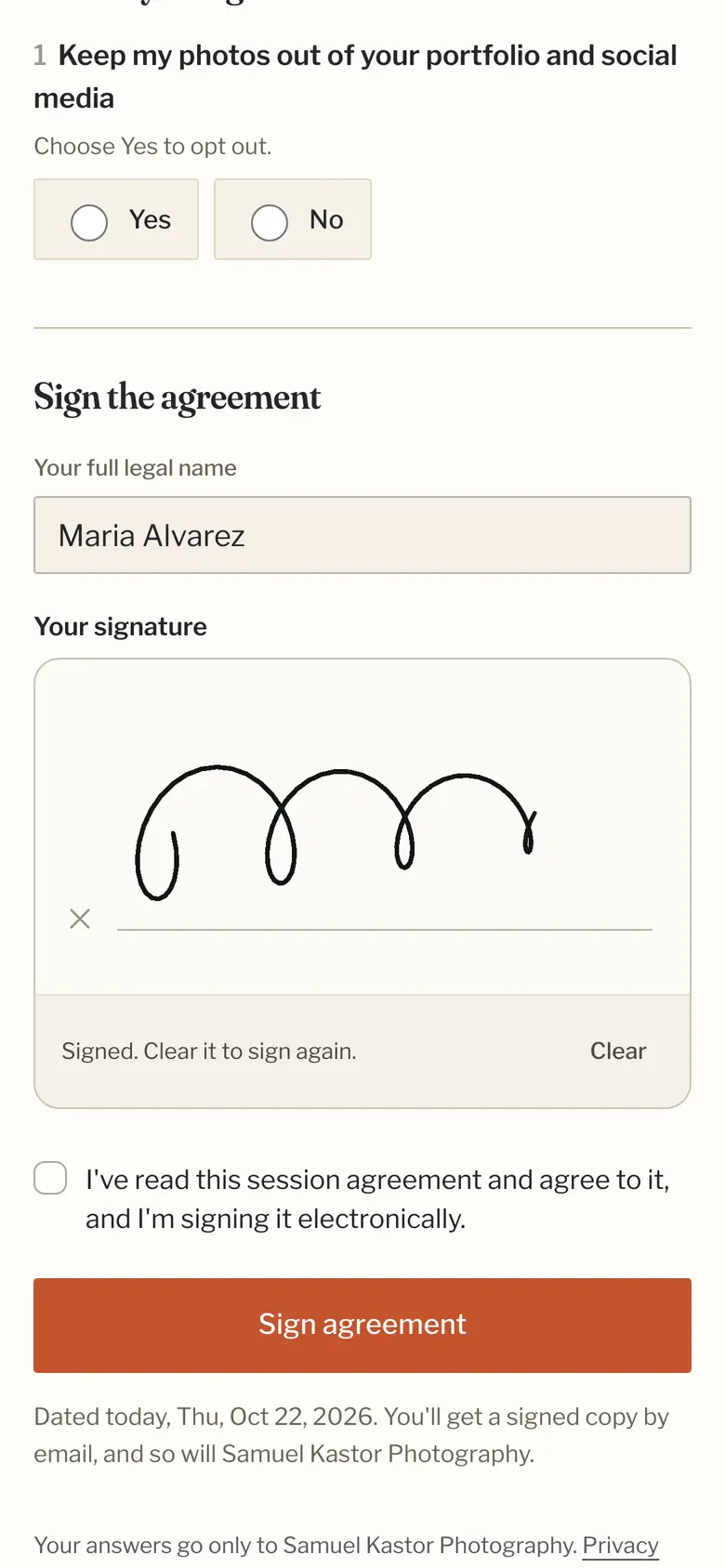
    Your contract and questionnaire go out with the booking. They sign on their phone; the copy is filed for you.

    See it
    Signing a session agreement on a phone: full name typed and a signature drawn with a finger
  4. 04Flashslash does it

    Keeps the session on track

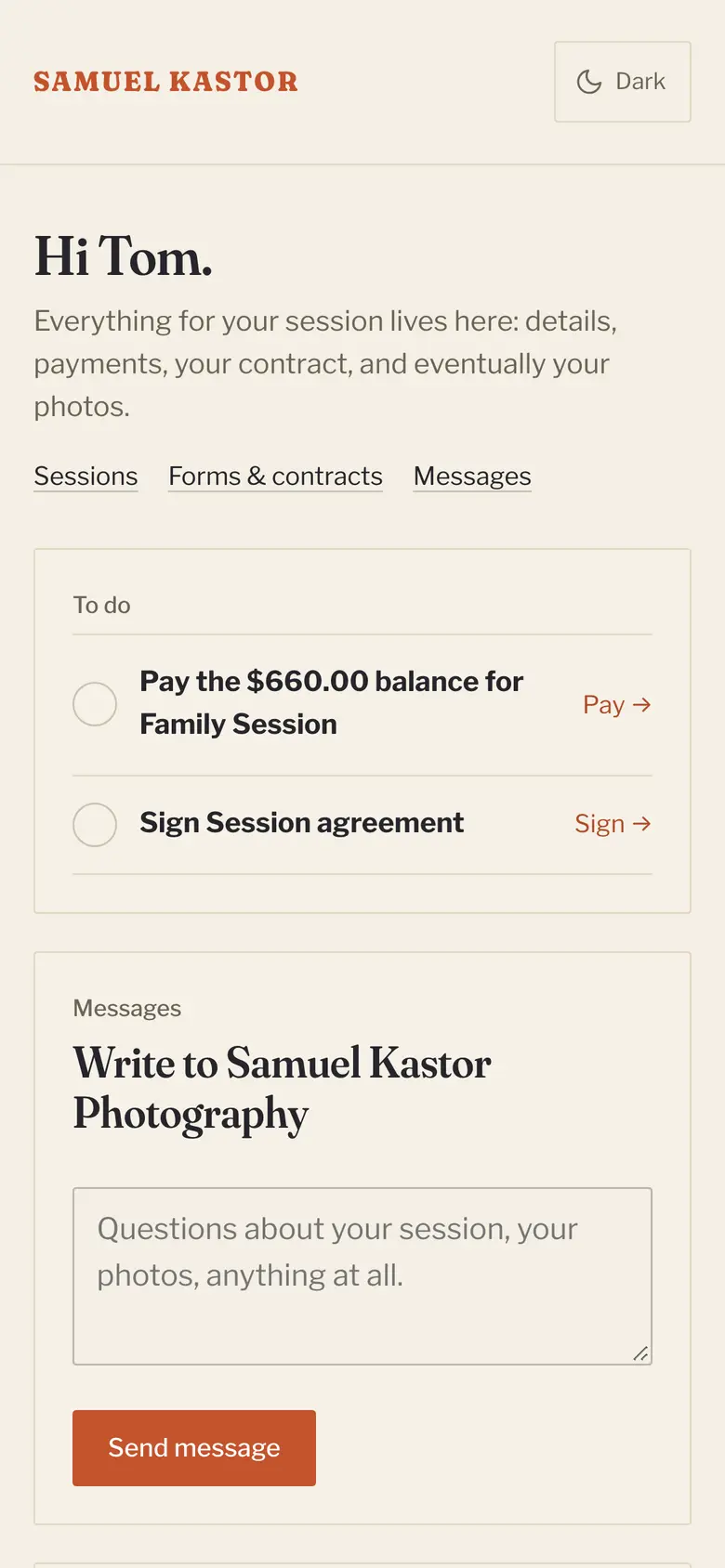
    Reminders go out before the shoot and the balance reminder when it's due. Your client sees what's left to pay or sign in their portal.

    See it
    A client's portal on a phone: a balance to pay, an agreement to sign and a box to message the photographer
  5. 05You

    Deliver the gallery

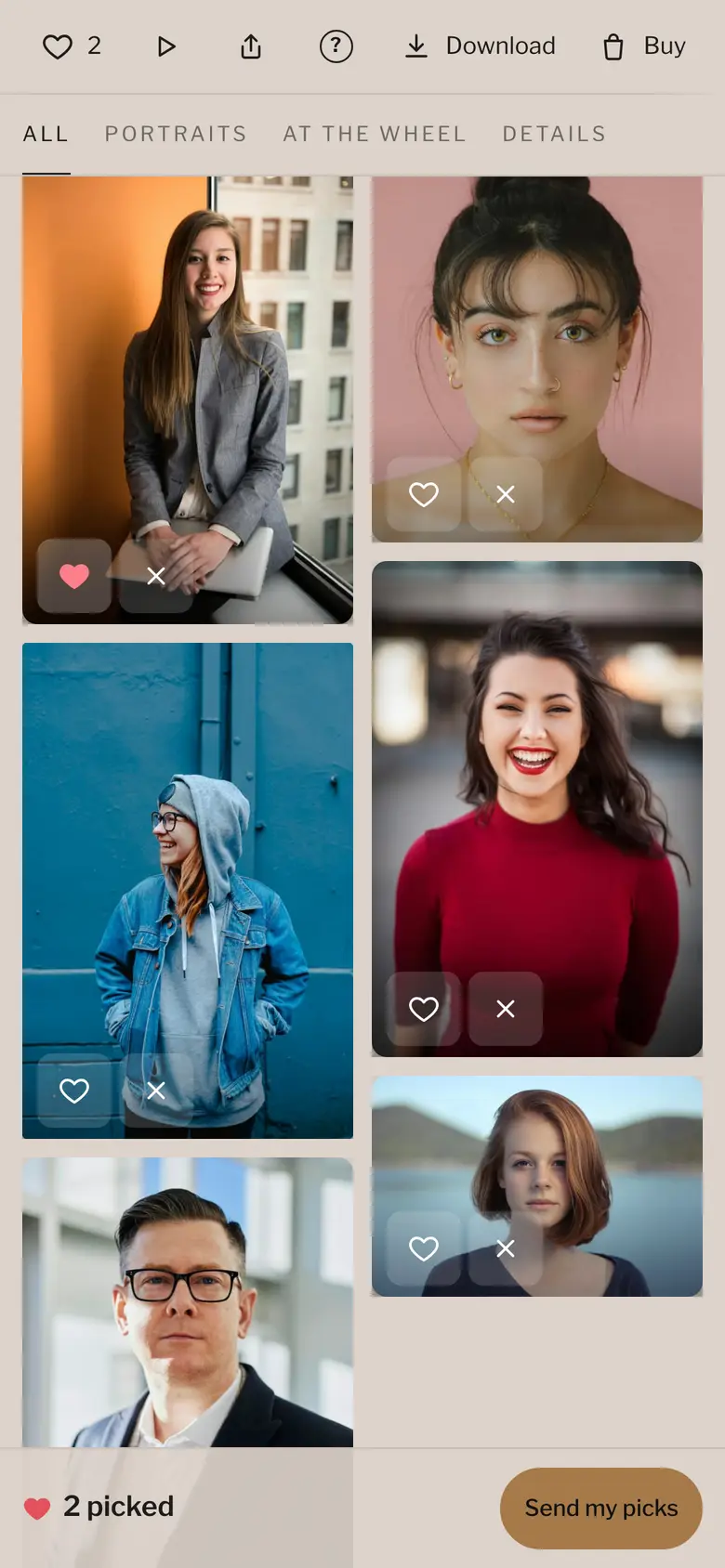
    Upload the photos and any video, then send. They pick favorites and download, no account needed. You can hold downloads until the balance is paid.

    See it
    A client gallery on a phone, sorted into scenes, with a loved photo marked with a heart and 2 picked
You

Run your studio from your phone.

Your admin works on your phone too, so the business keeps moving between shoots.

  • See today's sessions and what needs you
  • Reply to an inquiry from the couch
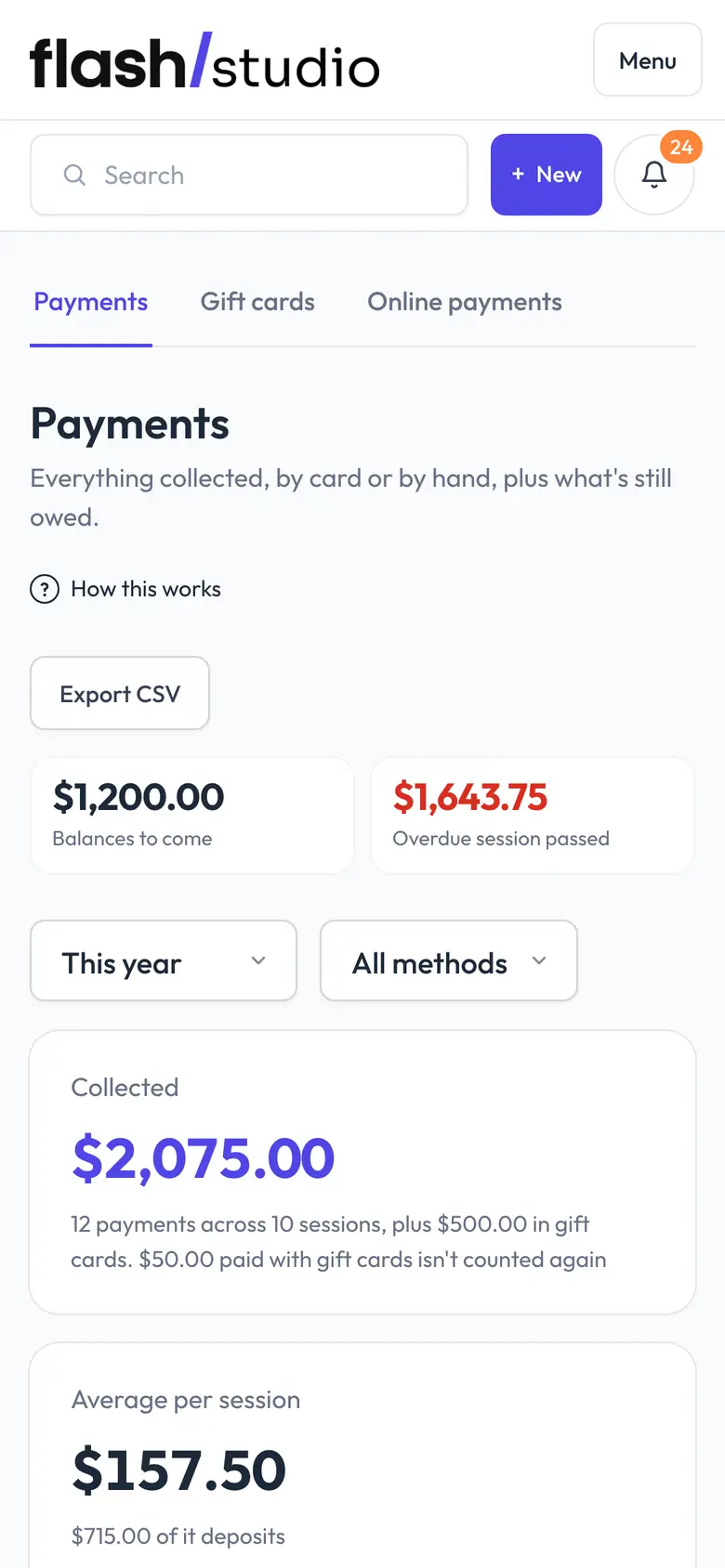
  • Check who has paid and what's still owed
  • Send a gallery the minute it's ready
Try it on your phone
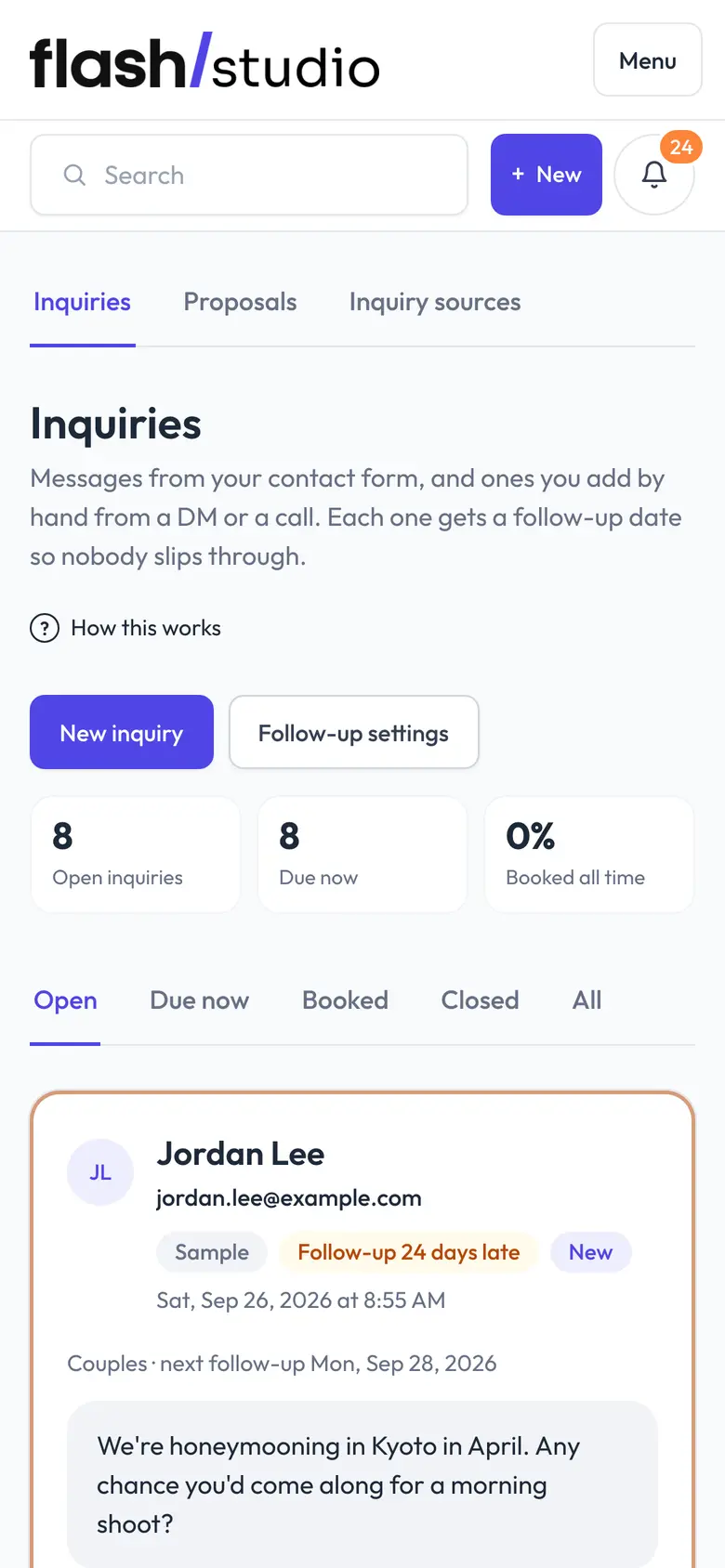
Inquiries in the Flashslash admin on a phone: open inquiries, follow-ups due and a new message from a couple
The Flashslash admin's Today screen on a phone: the next session, what needs you and upcoming bookings
Payments in the Flashslash admin on a phone: what's collected this year, balances to come and the average per session
Switching to Flashslash

What are you using now?

Tap the tools you pay for. Flashslash is the one app for the whole studio, and we'll move you over for free.

Everything HoneyBook, Pixieset and Squarespace do, in one app, with every feature on every plan.

Flashslash next to the tools you picked, checked on each company's own website on 22 October 2026.
FeatureFlashslashHoneyBookPixiesetSquarespace
Inquiries, contracts and invoicesYesYesYesYes
Online booking with a depositYesPartlyExtra costExtra cost
Client galleriesYesNoYesPartly
Website builderYesNoYesYes
Every feature on every planYesNoNoNo
No platform fee on client paymentsYesYesYesPartly

Checked on each company's own website, 22 October 2026. On a phone, two of your tools show here; the full comparison has every one.

Website designs

See your website before you sign up.

Every design has a live demo: a real, working site for a made-up studio. Click around, open it on your phone, and book a session the way your clients would. It's a demo, so nothing is booked or charged.

See all 15 designs

How it works

From the first inquiry to the last download.

01Booking

People book at 11pm. Let them.

Set your packages and the hours you work. Clients choose a session, pick a time and pay the deposit on your website, and the date is theirs. You wake up to a confirmed booking instead of an email thread.

  • Deposits taken by card when they book
  • Mini session days with their own page, and a waitlist once they fill
  • Hold a time for three days for someone who inquired
  • Two-way Google Calendar sync
Choosing a senior session on a studio's booking page

02Galleries

Galleries your clients will actually use.

Deliver photos and video in a gallery with your name on it, designed to match the shoot. Clients mark their favorites, download what they've paid for and send the link to family. Nobody has to make an account.

  • Videos and RAW files in the same gallery as your photos
  • Favorites, and a record of every download
  • Downloads locked until the balance is paid, with a watermarked preview
  • Print orders through your own lab, with no commission
  • An expiry date, with a reminder before the gallery closes
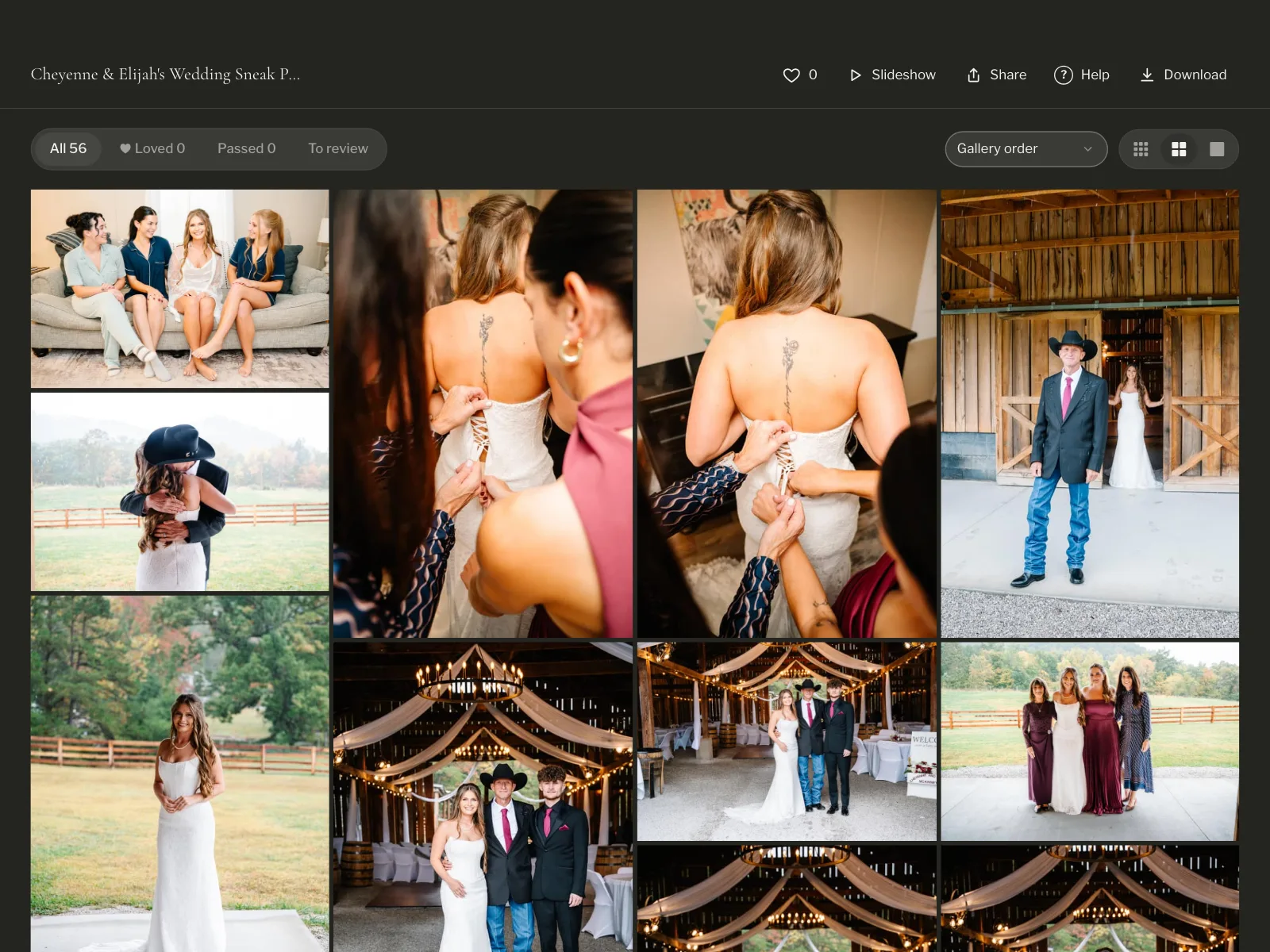
A wedding gallery with favorites, a slideshow and downloads

03Website

A website that takes bookings, not just compliments.

Pick a design made for photographers (every one has a live demo you can click around first), add your photos and words, and connect your own domain. The booking page, the client portal and the gallery links are already part of it, so there's nothing to wire together.

  • Designs for weddings, families, seniors, headshots, commercial work and more, each with its own type and layout
  • Your own domain, or yourname.flashslashsites.com to start
  • A blog, and newsletters to the people who've booked you
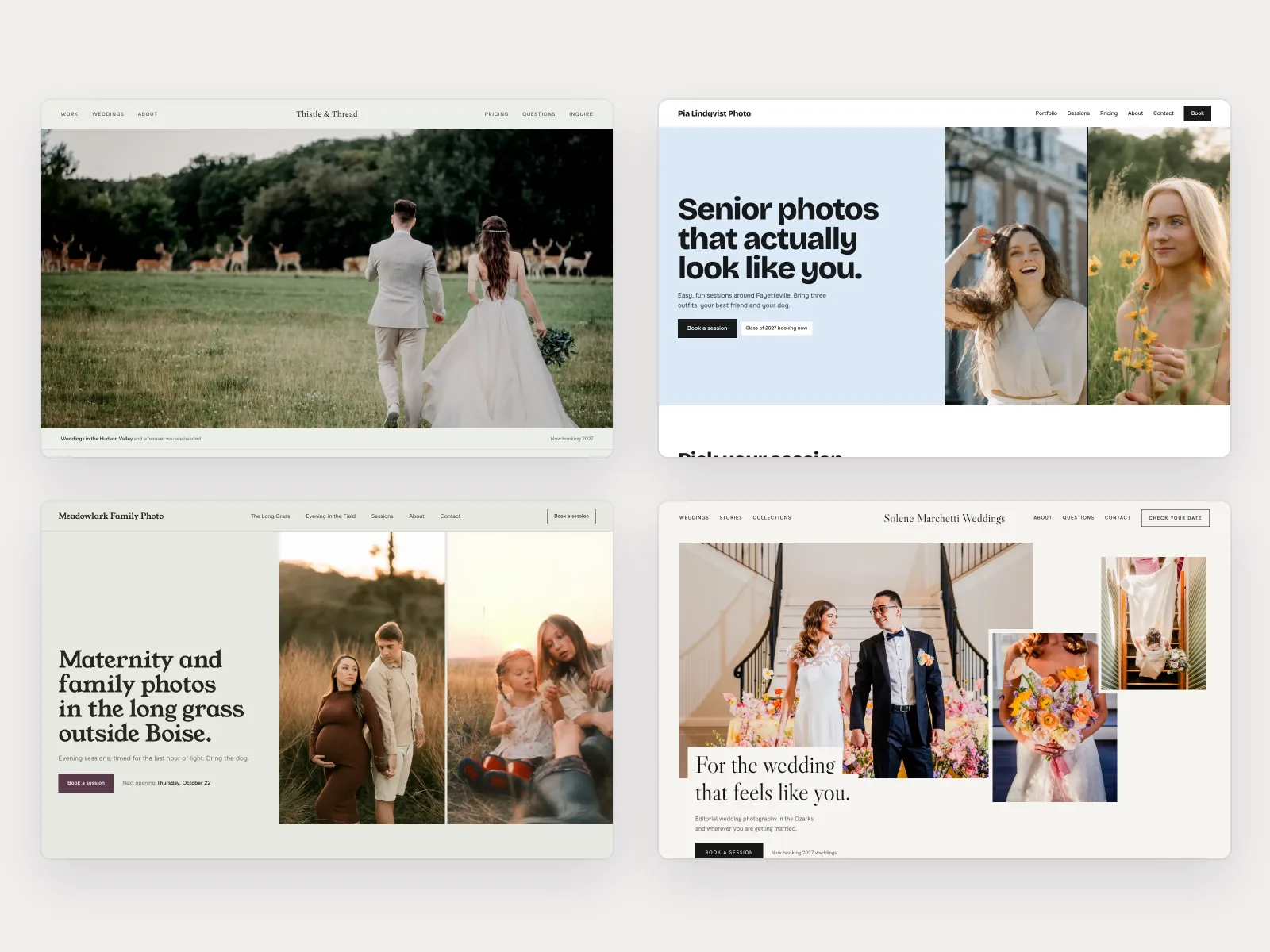
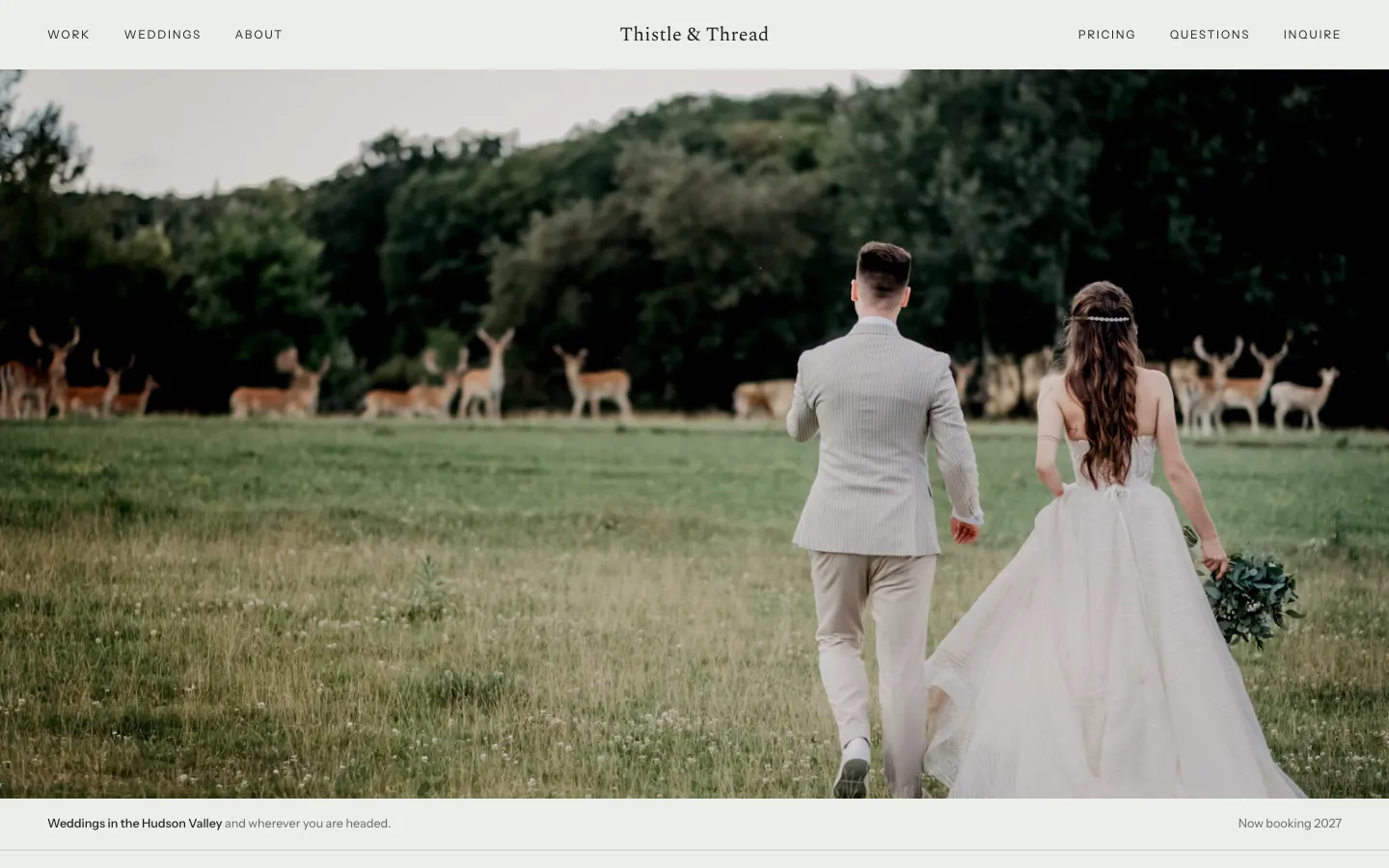
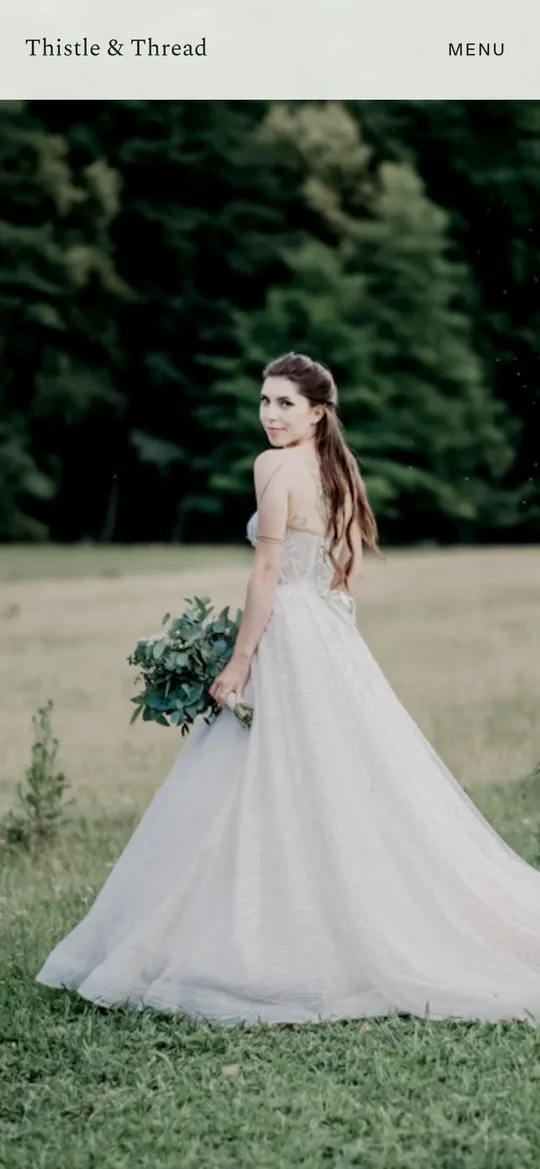
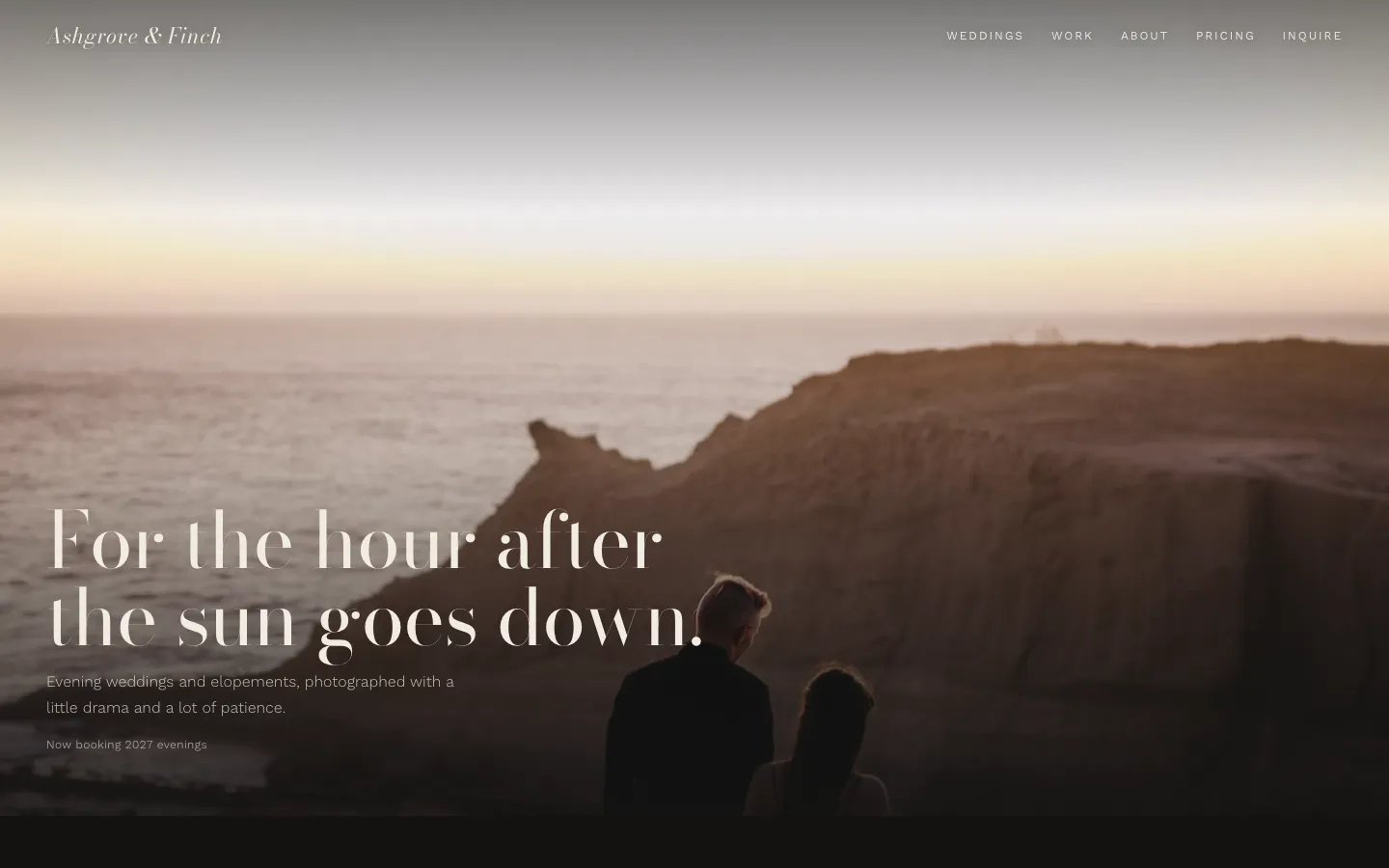
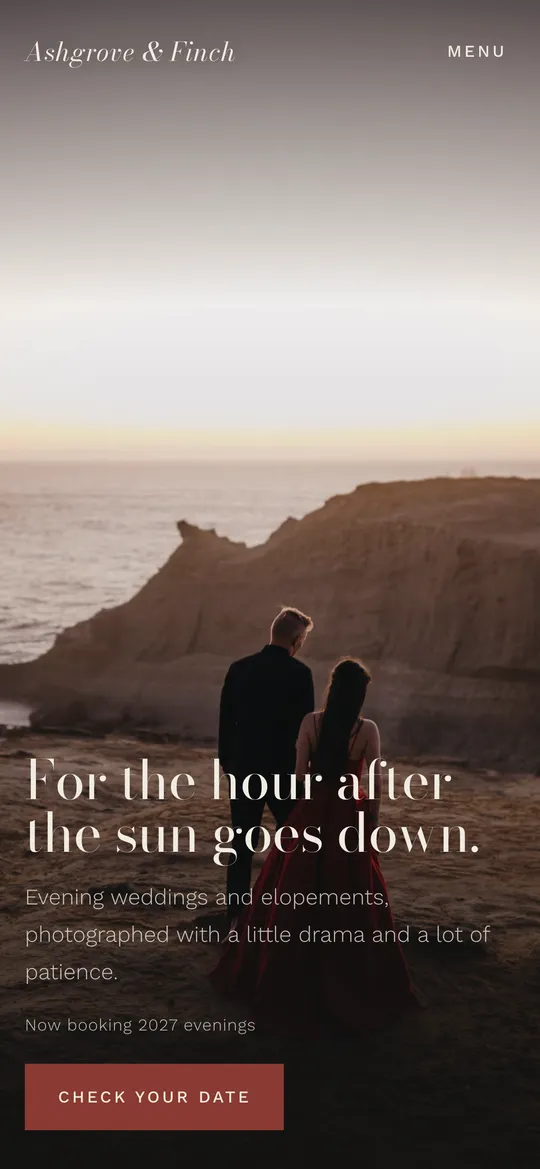
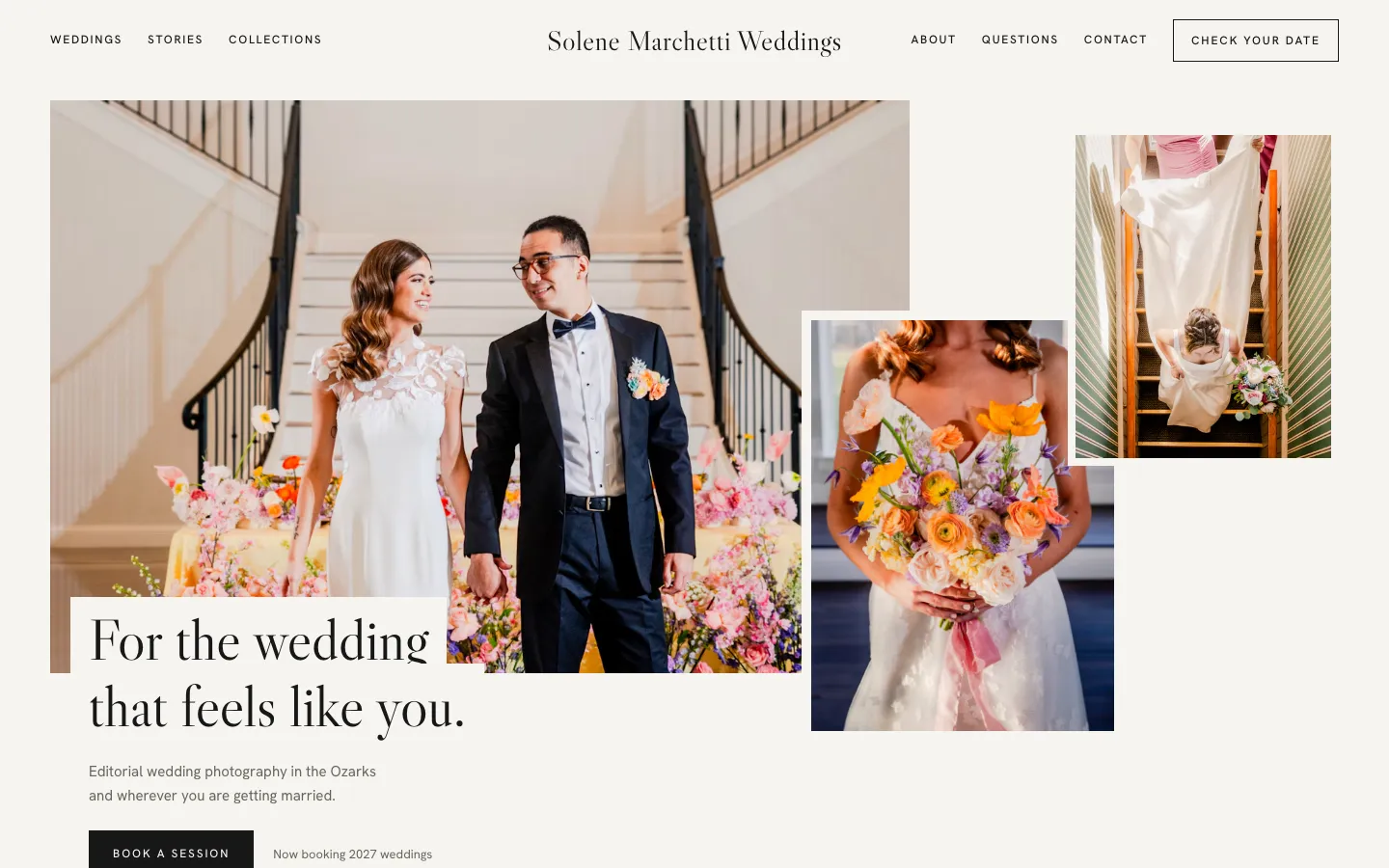
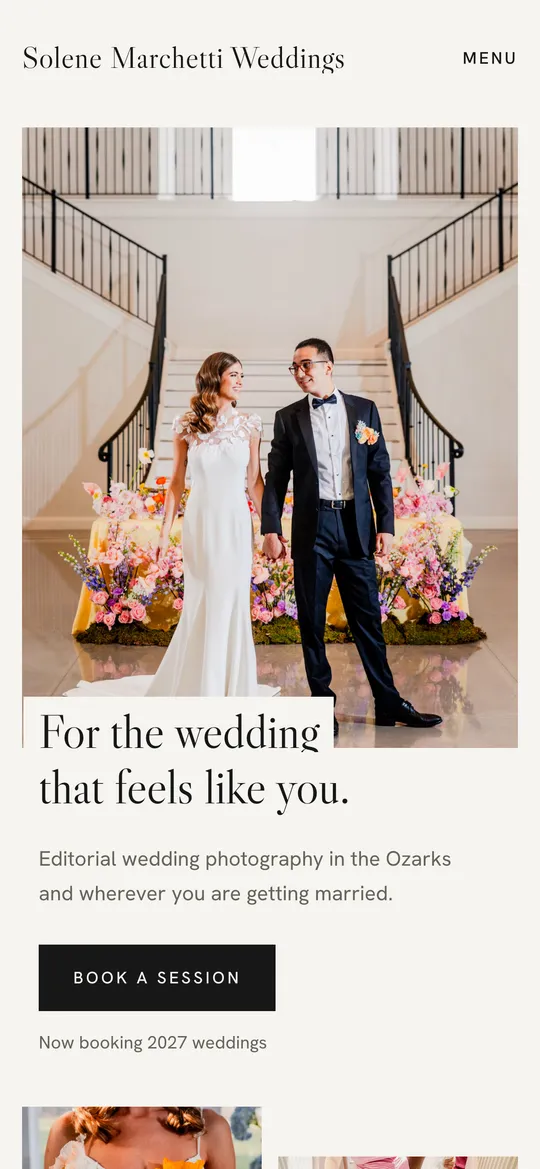
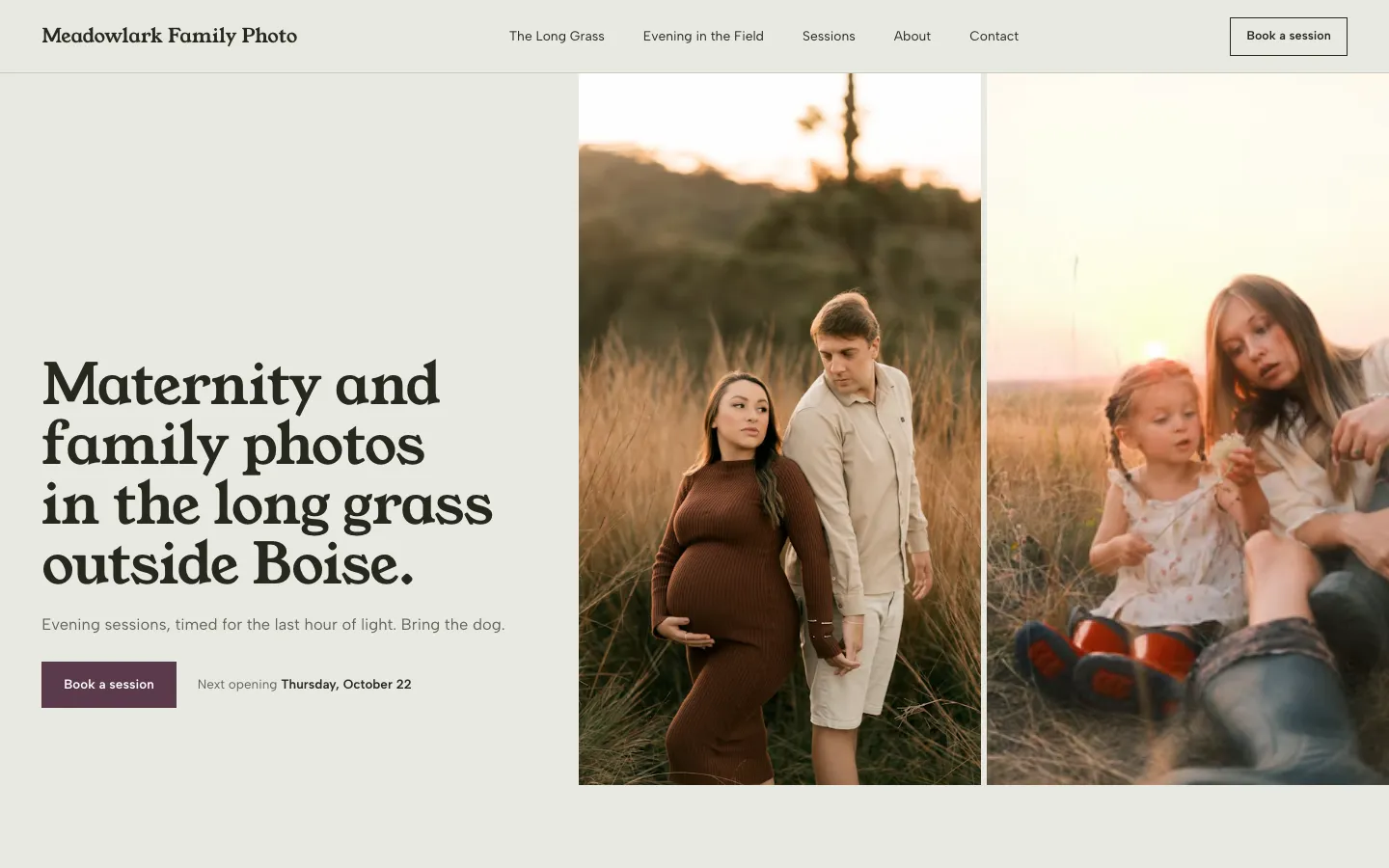
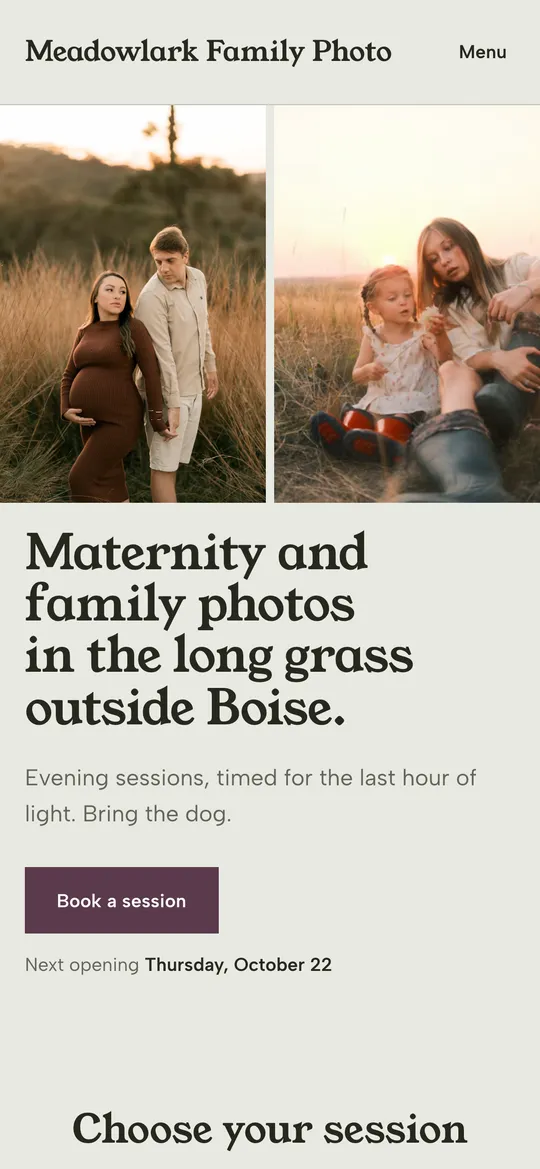
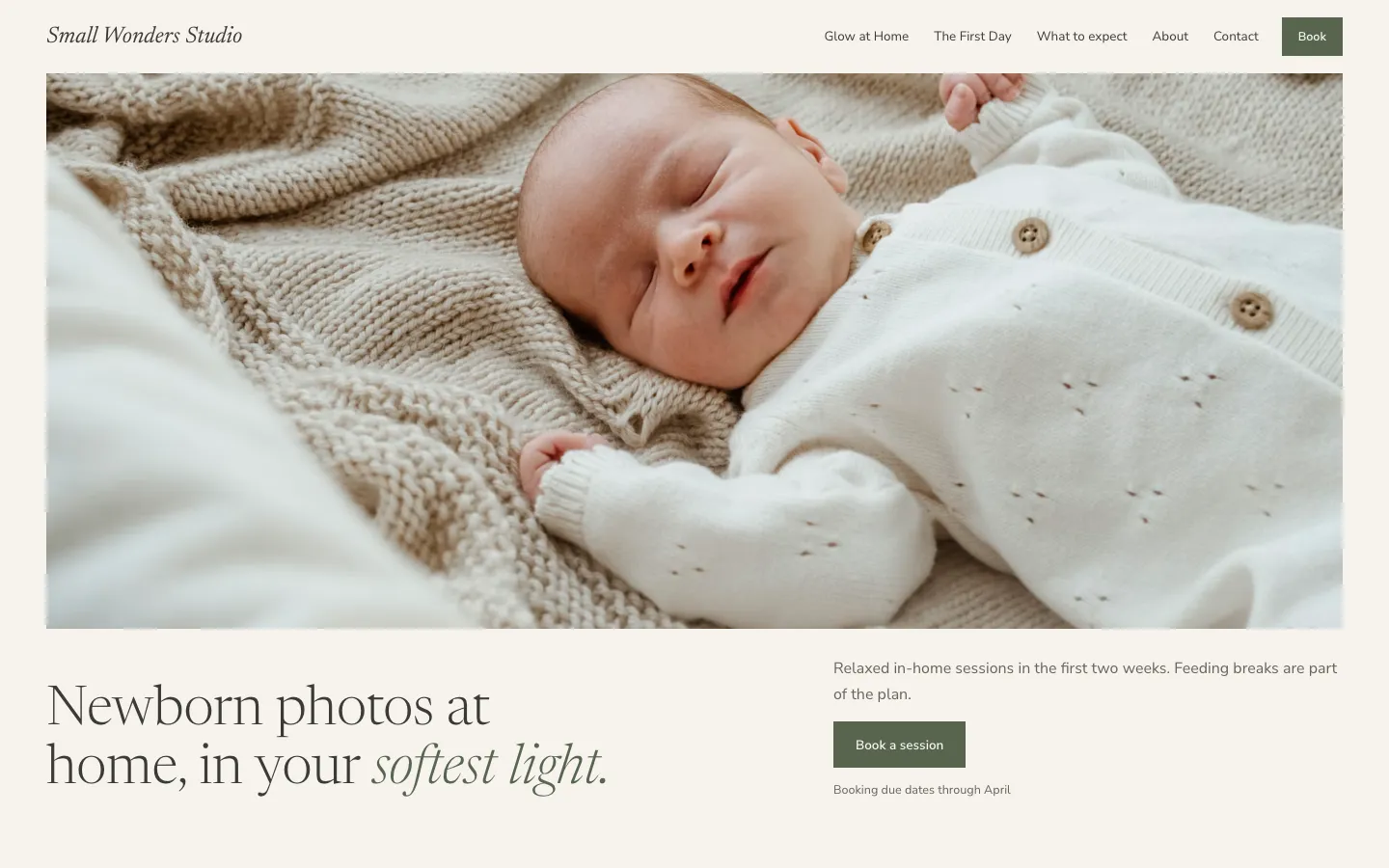
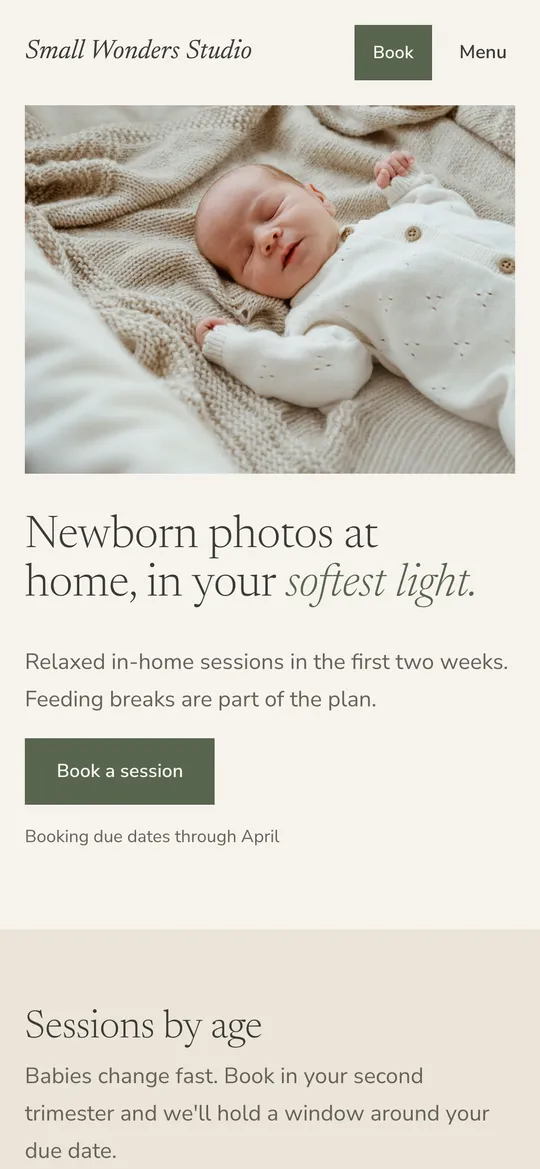
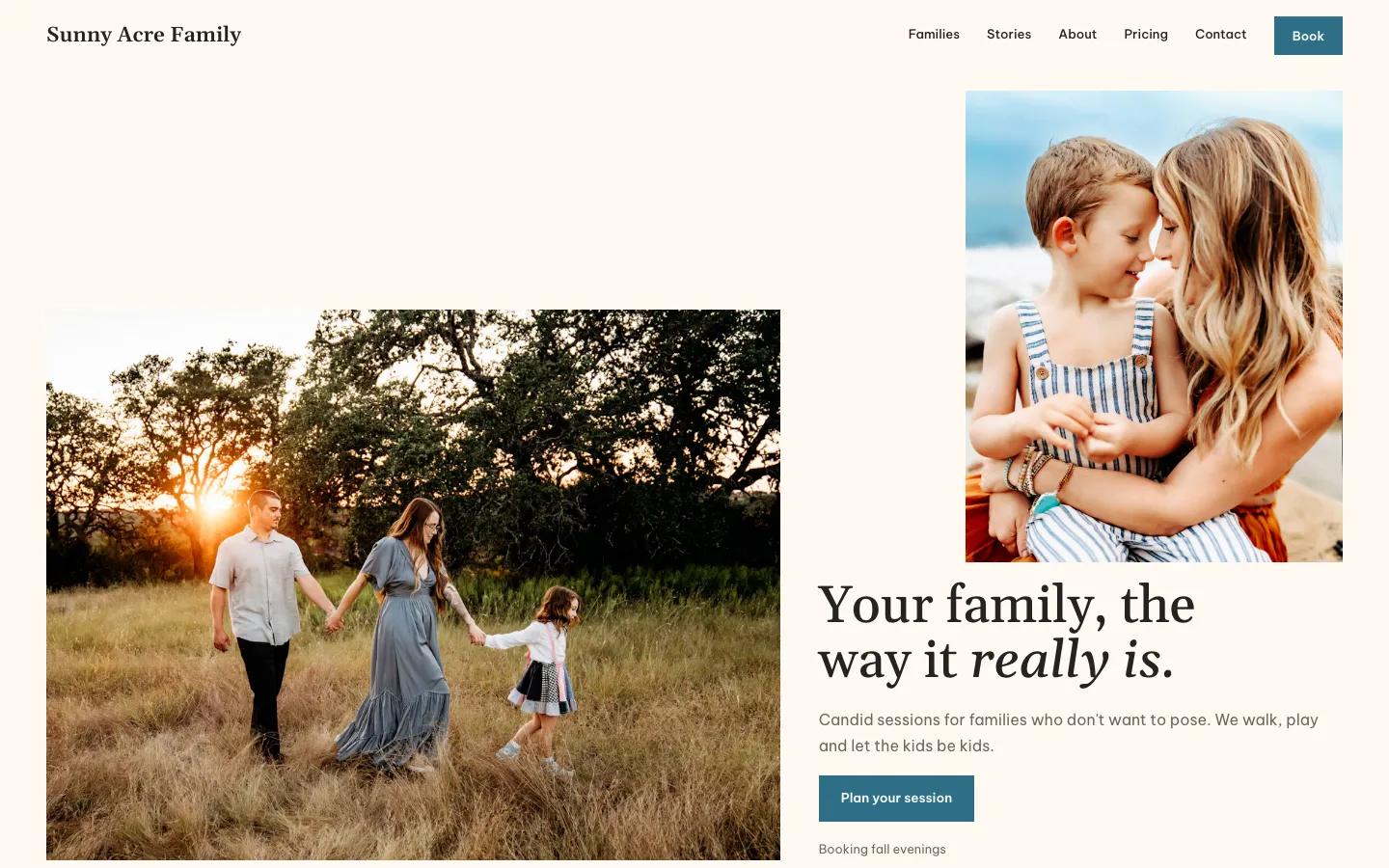
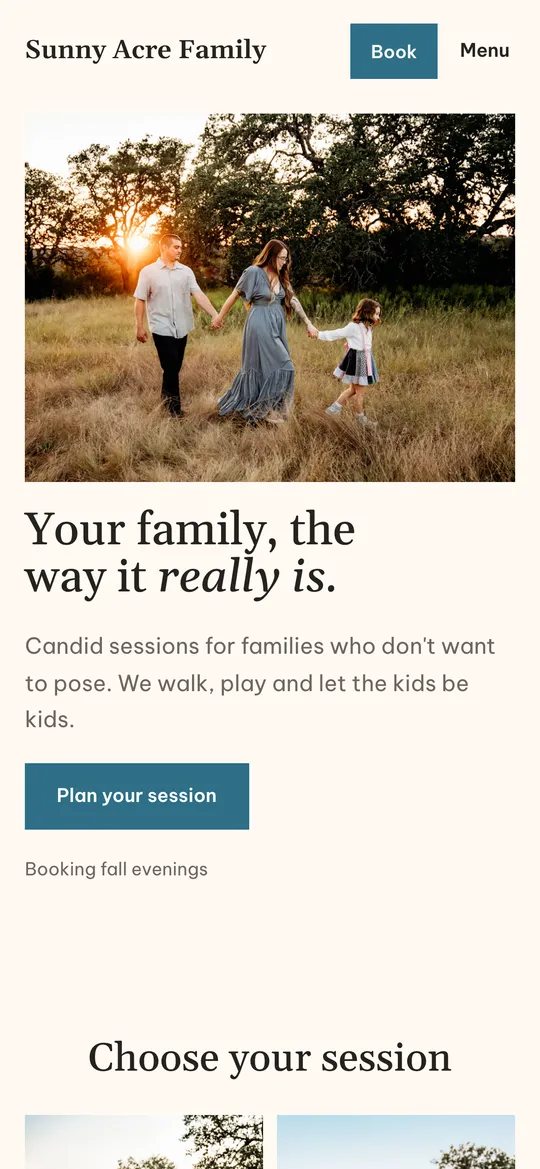
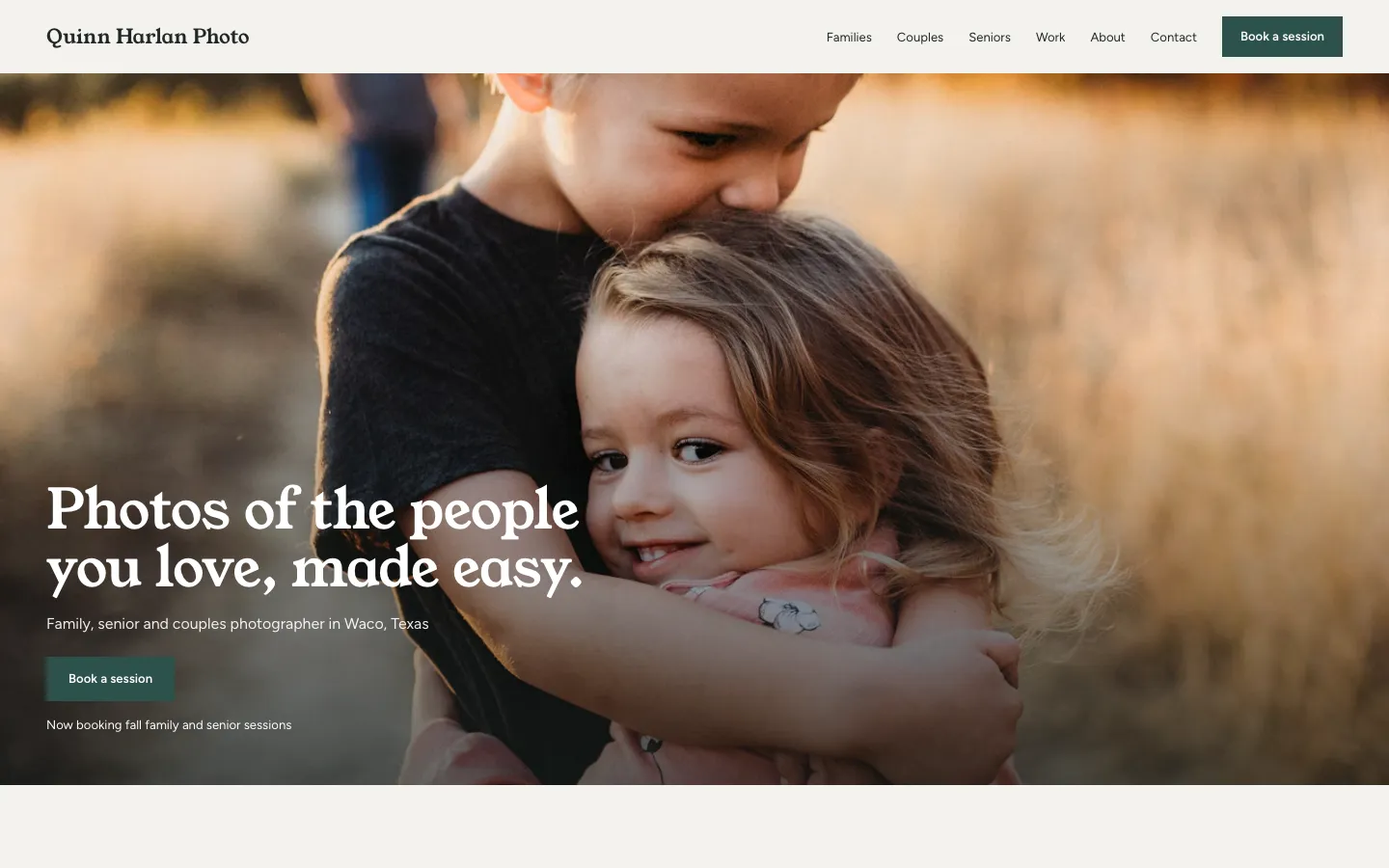
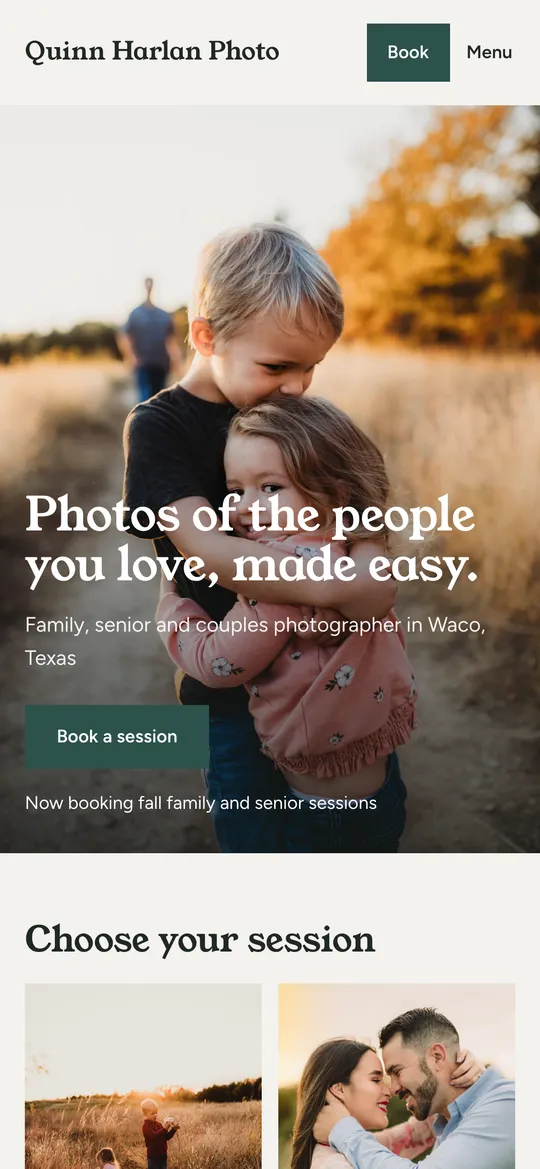
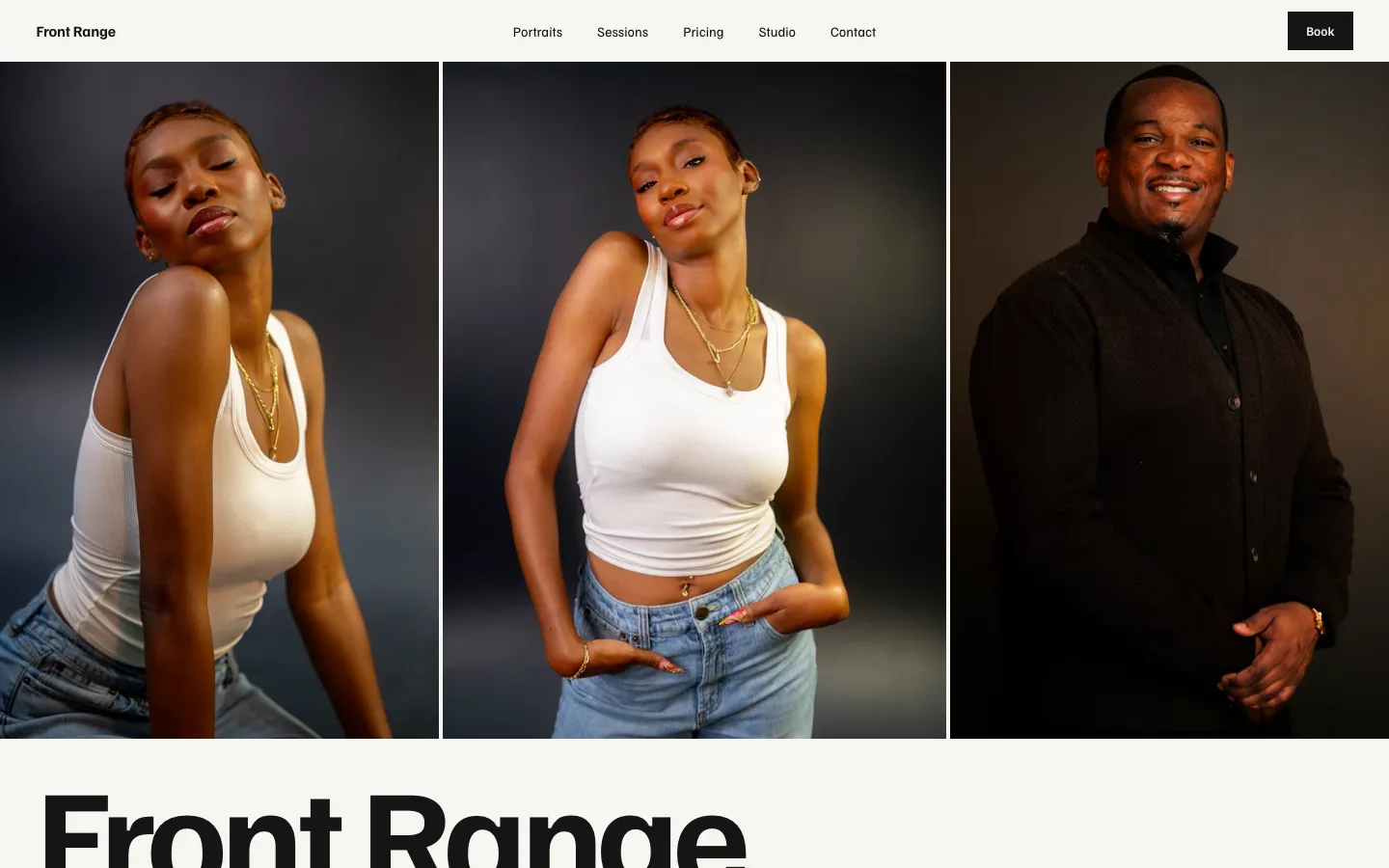
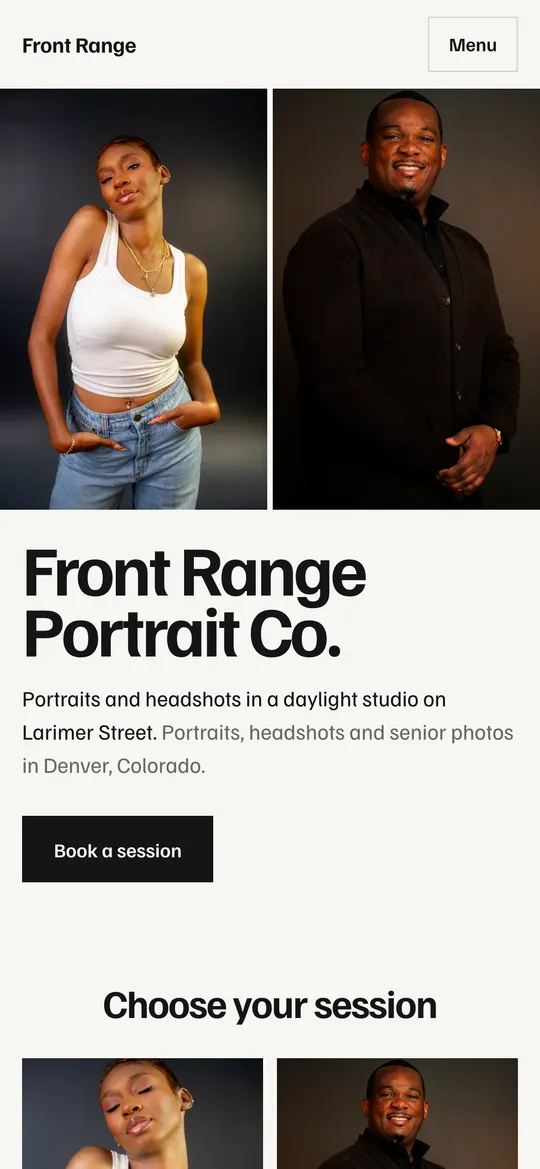
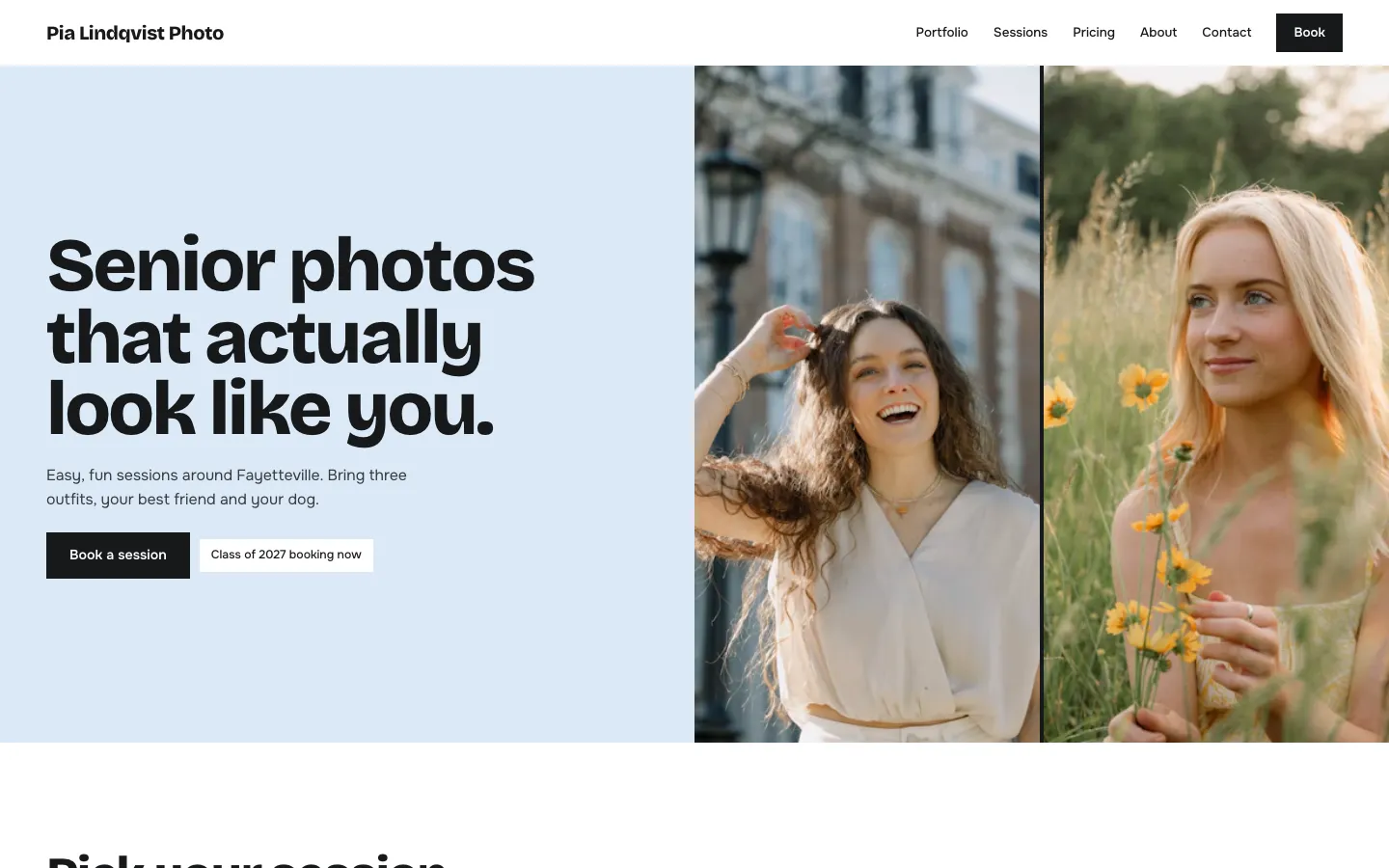
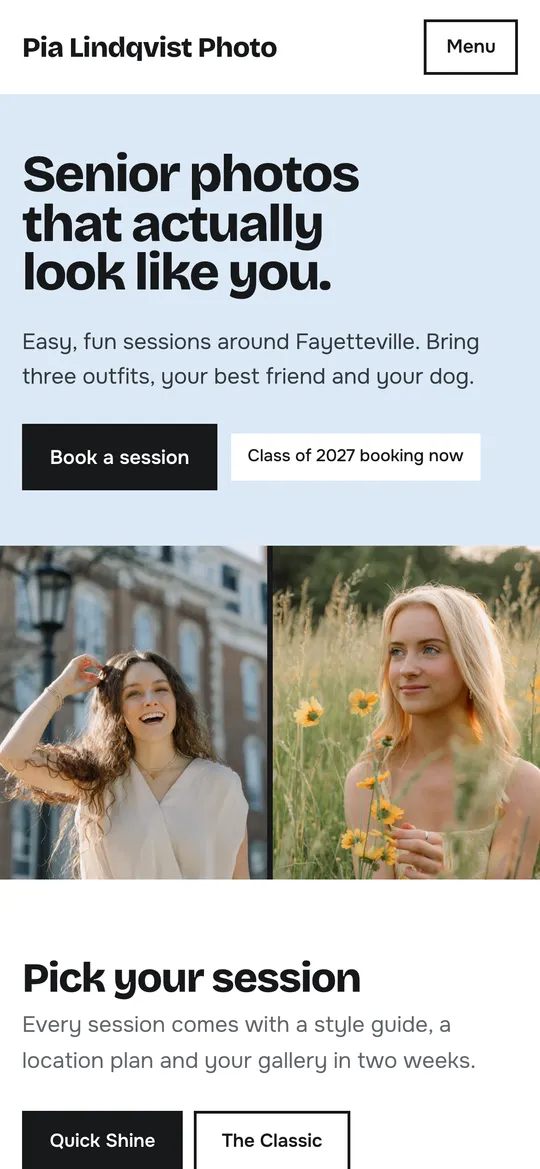
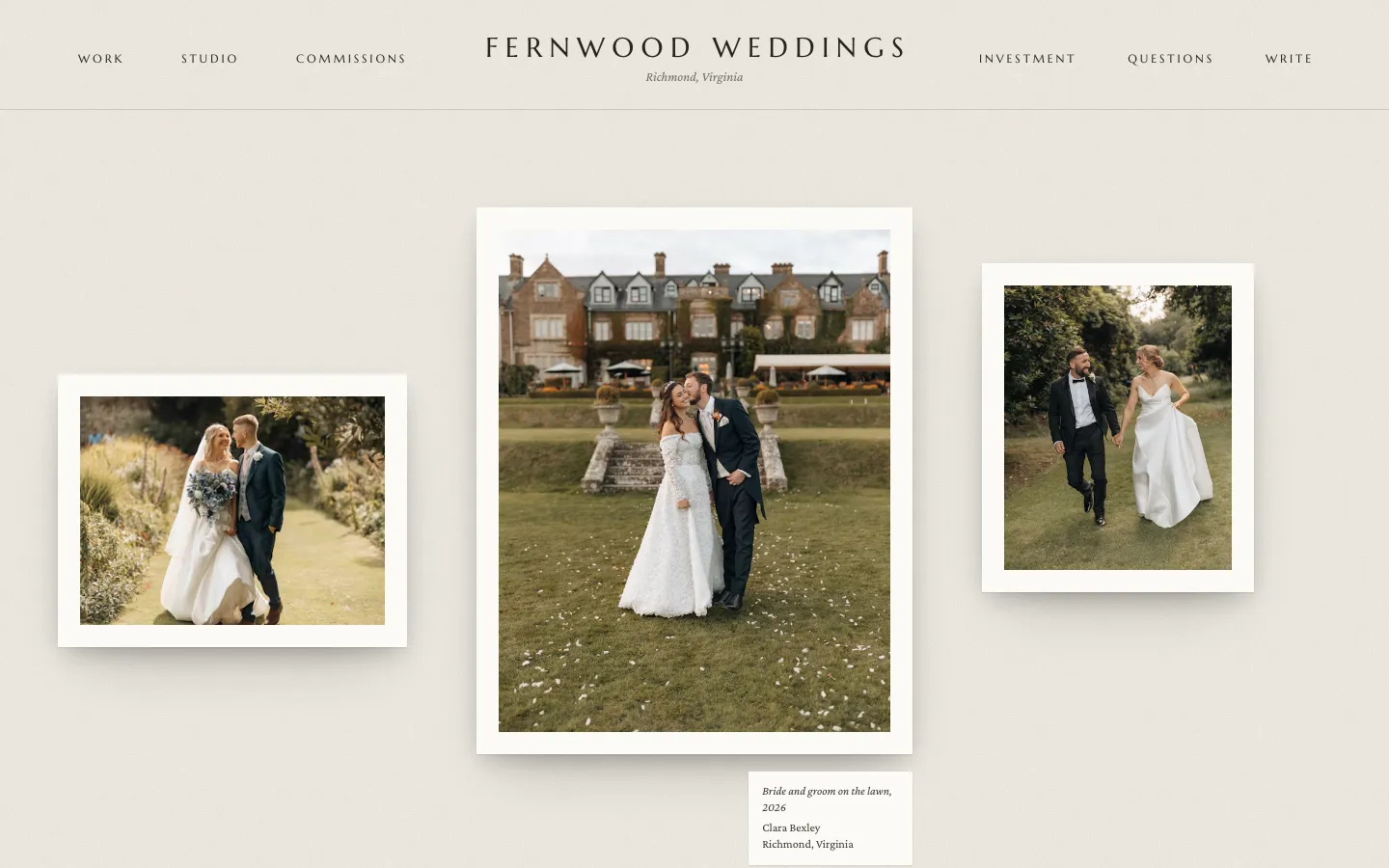
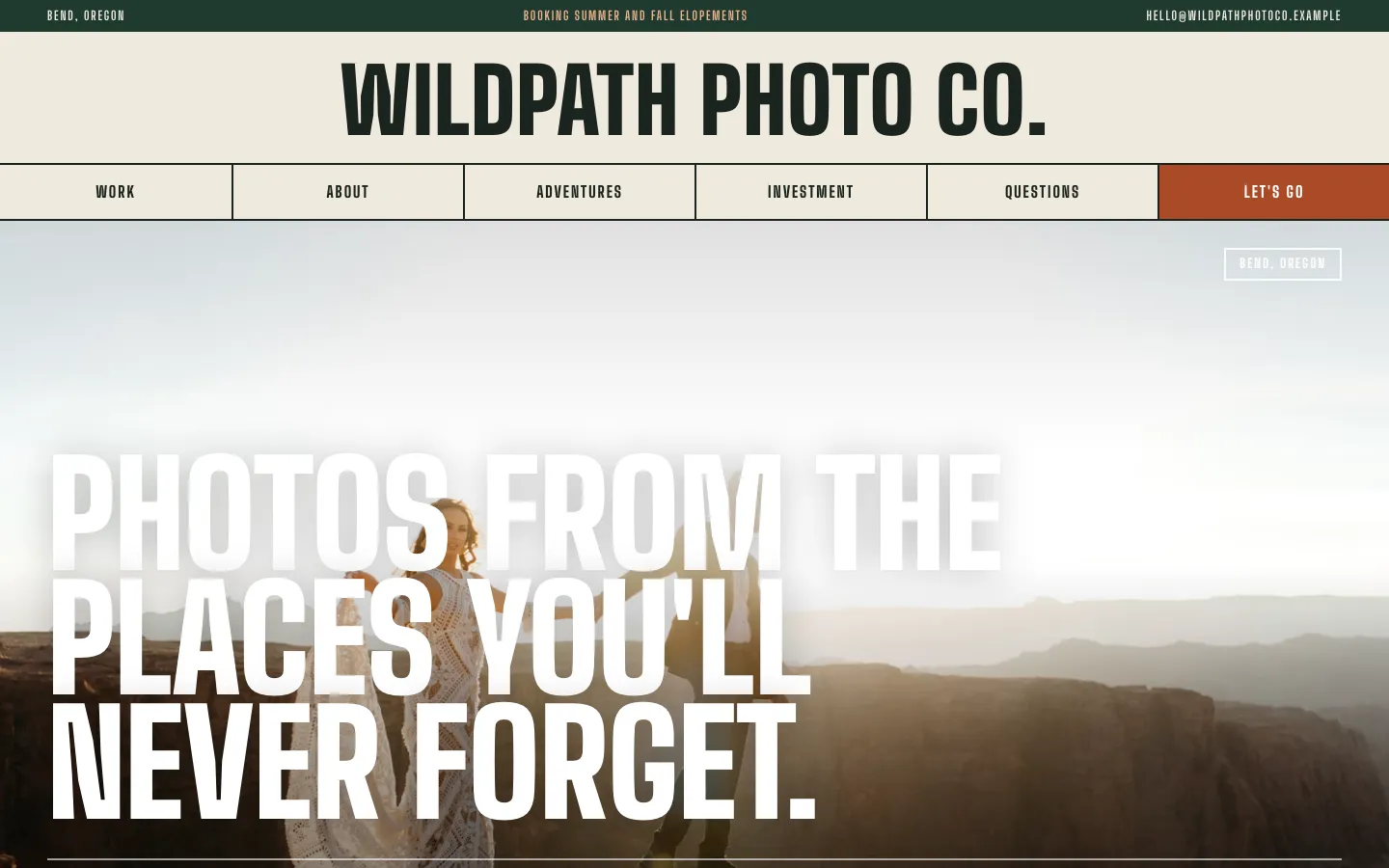
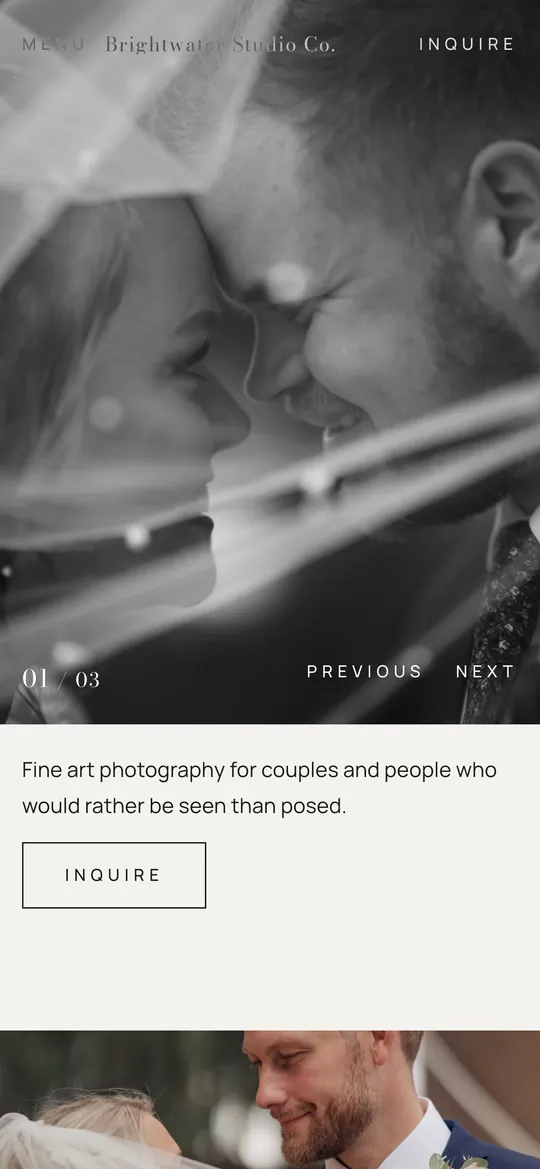
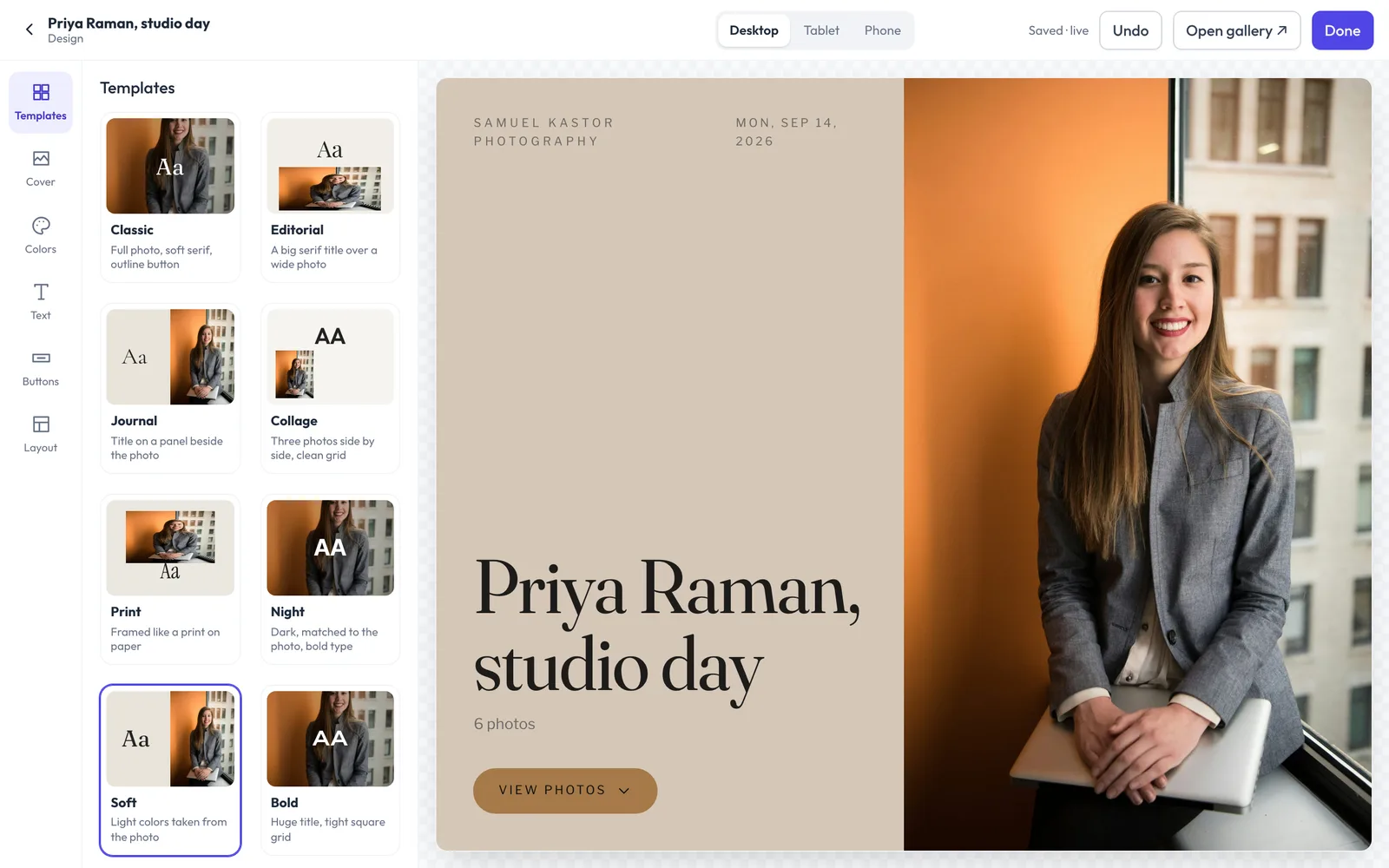
Four studio websites made with Flashslash, each in a different design

04Contracts & forms

Signed before the shoot, without the printer.

Write your contract once. It goes out with every booking, clients sign it on their phone, and the signed copy is filed with the booking. Questionnaires work the same way, so you arrive knowing names, outfits and the shots that matter.

  • E-signatures built in, with a timestamped record
  • Questionnaires and forms sent when they book
  • Everything in the client's portal, nothing lost in attachments
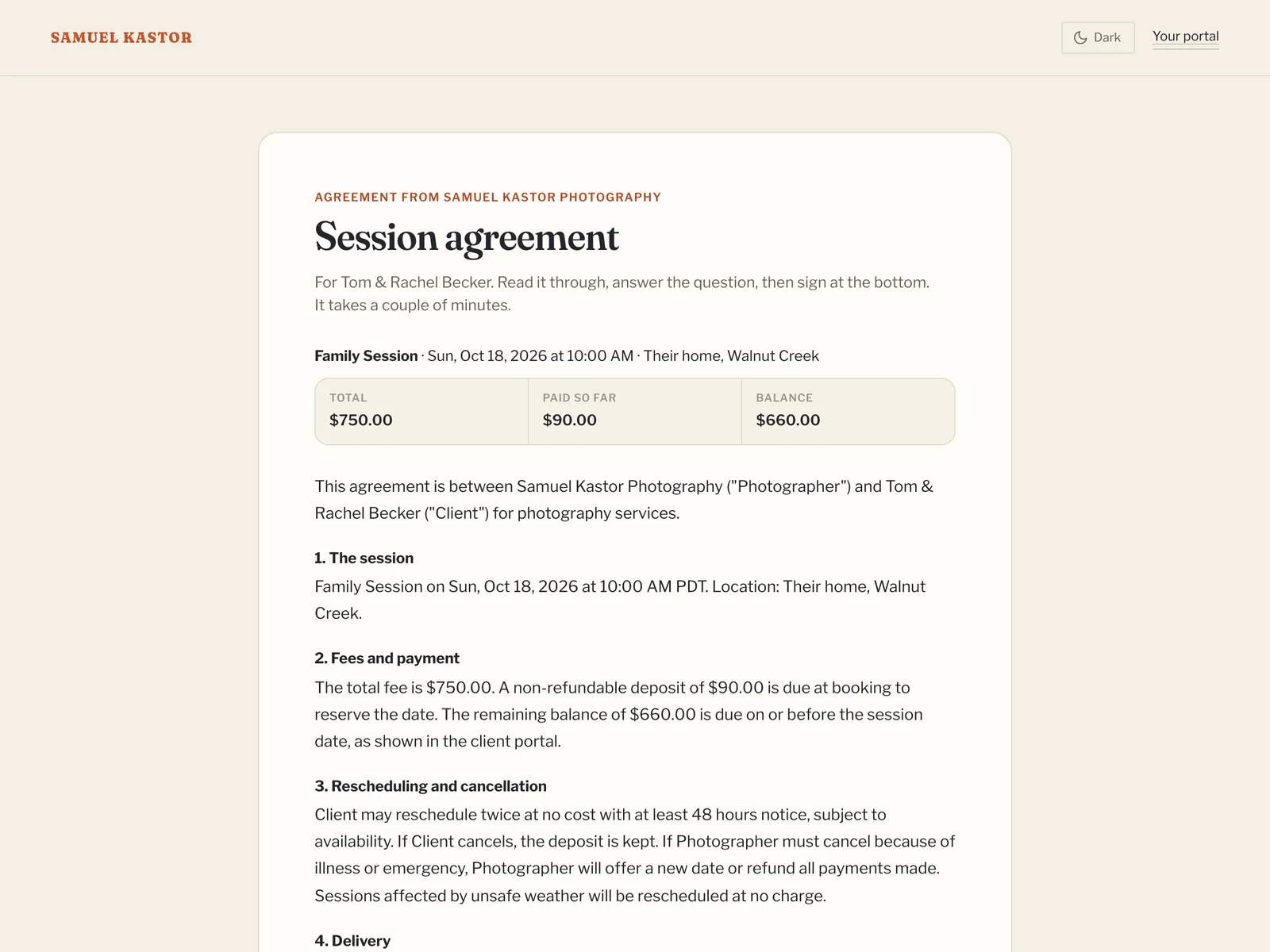
A contract ready to sign online

05The business side

The part of the job nobody photographs.

Every booking moves from booked to delivered in one view, so nothing waits on your memory. Confirmations and contracts go out the moment someone books, balance links and gallery notices are one click, and payments land in your own Stripe account.

  • A client portal with their sessions, forms, payments and galleries
  • Payment plans with autopay
  • Automations that send emails and reminders for you
  • Follow-ups for inquiries that went quiet
  • No transaction fees from Flashslash on what your clients pay you
Every booking by stage, from booked to delivered
A client's portal on a phone: a balance to pay, an agreement to sign and a box to message the photographer
A mountain lake at first light

Your evenings are for editing.

Not for chasing a signature, resending an invoice or digging for the email with the client's address in it.

I'm a photographer in the San Francisco Bay Area. I built Flashslash to run my own studio, because I wanted booking, contracts, galleries and my website in one place, with my name on every page. It still runs my business every day, and now it can run yours.

Samuel KastorFounderSee my studio

Pricing

Every plan does everything.

Plans differ in storage, video hours, team size and the small Flashslash line in your footer. That's all. Try any of them free for 14 days, no card needed.

Starter · 200 GB

Everything Flashslash does, for a studio of one.

$19a month

$228 billed once a year

  • 200 GB of storage
  • 2 hours of video, RAW files welcome
  • Just you, add people at $5 a month
  • A small “Powered by Flashslash” line in your footer
  • Every feature, and your own domain
Start free for 14 days

Studio · 1 TB

Room for a small team and a busy season.

$35a month

$420 billed once a year

  • 1 TB of storage
  • 6 hours of video, RAW files welcome
  • 3 team members, more at $5 a month
  • A small “Powered by Flashslash” line in your footer
  • Every feature, and your own domain
Try flash/drive free

Pro · Unlimited

Unlimited storage, unlimited seats, and no Flashslash footer.

$55a month

$660 billed once a year

  • Unlimited storage (fair use)
  • 15 hours of video, RAW files welcome
  • Unlimited team members
  • No “Powered by Flashslash” line
  • Every feature, and your own domain
Try flash/vault free

No credit card for the trial. You choose a plan before it ends, and you can change it any time.

No add-ons.

Video, email, AI writing help and storage are part of your plan, not extras. Need more room? Move up a plan from Billing. Nothing is ever deleted or charged automatically.

Compare every detail

On every plan
Video and RAW files in galleries
Full-resolution downloads, plus 2048px and 4096px sizes
Payment plans with autopay
Print orders through your own lab, no commission
Two-way Google Calendar sync
Automations
AI writing help for emails and Instagram captions
No monthly email limits on paid plans
No limits on clients, galleries, bookings or contracts

From photographers using Flashslash

“Honestly, you killed this. Setup was so easy. Once I saw how everything connects, it all just clicked.”
Jacob FlemingJFleming Photos

Before you start

The questions people ask first.

Anything else? Write to hello@flashslashapp.com and a person will answer.

Do I need a card to try it?

No. You get 14 days with every feature and no card. The trial is for you on your own; team members come with the plan you choose. You only enter one if you decide to stay.

What happens when the trial ends?

Nothing is deleted straight away. You can still sign in and see everything, and your client galleries keep working. New work (uploads, new galleries and online bookings) waits until you choose a plan. If you haven't chosen one two weeks later, your website shows as temporarily unavailable until you do. A studio that never chooses a plan is deleted 60 days after its trial ends, with email warnings a month and a week before.

Do I have to build a website?

No. Your site is live the day you sign up at yourname.flashslashsites.com, with the booking page, client portal and gallery links already built in. Pick a design, then swap in your own words and photos when you're ready.

Can I use my own domain?

Yes, on every plan. Connect it whenever you like; your flashslashsites.com address keeps working and forwards to it.

Do you take a cut of my bookings?

No. Clients pay deposits and balances into your own Stripe account. Flashslash adds no transaction fee; Stripe's standard card fees still apply.

Can I leave whenever I want?

Yes. Monthly plans run month to month, and you can cancel from Billing in a couple of clicks. You can export your clients, bookings and photos at any time.

Open your studio tonight.

It takes about five minutes. Example clients and bookings show you around, and you can clear them out when you're ready. Free for 60 days, no card needed.