
Help center / Payments & money
Charge sales tax
Add a sales tax rate so it's added to each booking as its own line.
If you charge sales tax, Flashslash can add it to every booking for you.
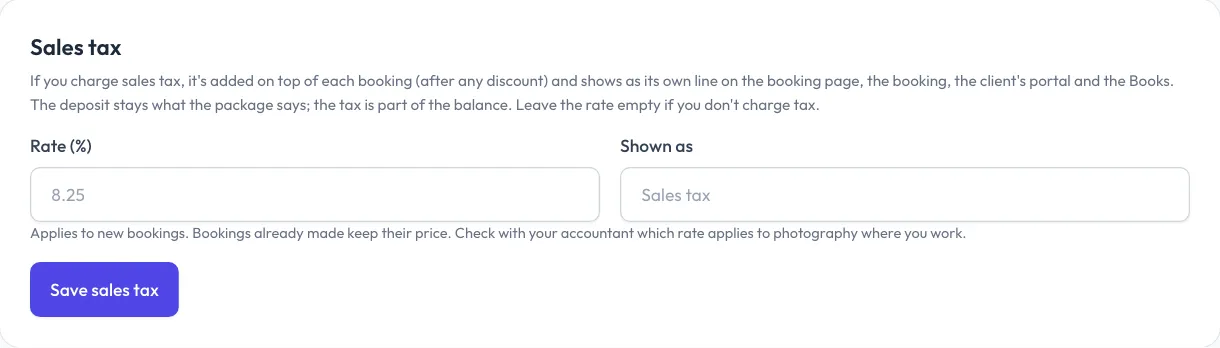
Turn it on
- Go to Payments > Online payments.
- Under Sales tax, type your Rate (%), for example 8.25.
- Change Shown as if you call it something else, like "GST".
- Click Save sales tax.
The tax is worked out on the price after any discount code. It shows as its own line on the booking page, on the booking, in the client portal and on Accounting. The deposit stays what the package says; the tax is part of the balance.
Bookings already made keep their price. To stop charging tax, clear the rate and save.
Sessions you add by hand
When you add a session by hand, tick Add sales tax to add it to that booking. See Add a session by hand.
Invoices
On an invoice, tick Add sales tax as a line to add the tax as its own line. See Send an invoice.
On Accounting
Accounting shows how much sales tax you collected, so you know what to pay. Check with your accountant which rate applies to photography where you work.