
Notifications and the daily digest
The bell in the admin, the emails you get about your studio, the once-a-day summary and the automatic client reminders.
The bell
The bell at the top of the admin shows what happened lately: new inquiries, website signups, bookings, payments, signed contracts, completed forms, clients opening a gallery for the first time, balances due this week, waitlist signups, and plan or calendar sync problems. Click one to go straight to it, or click See all for the full list.
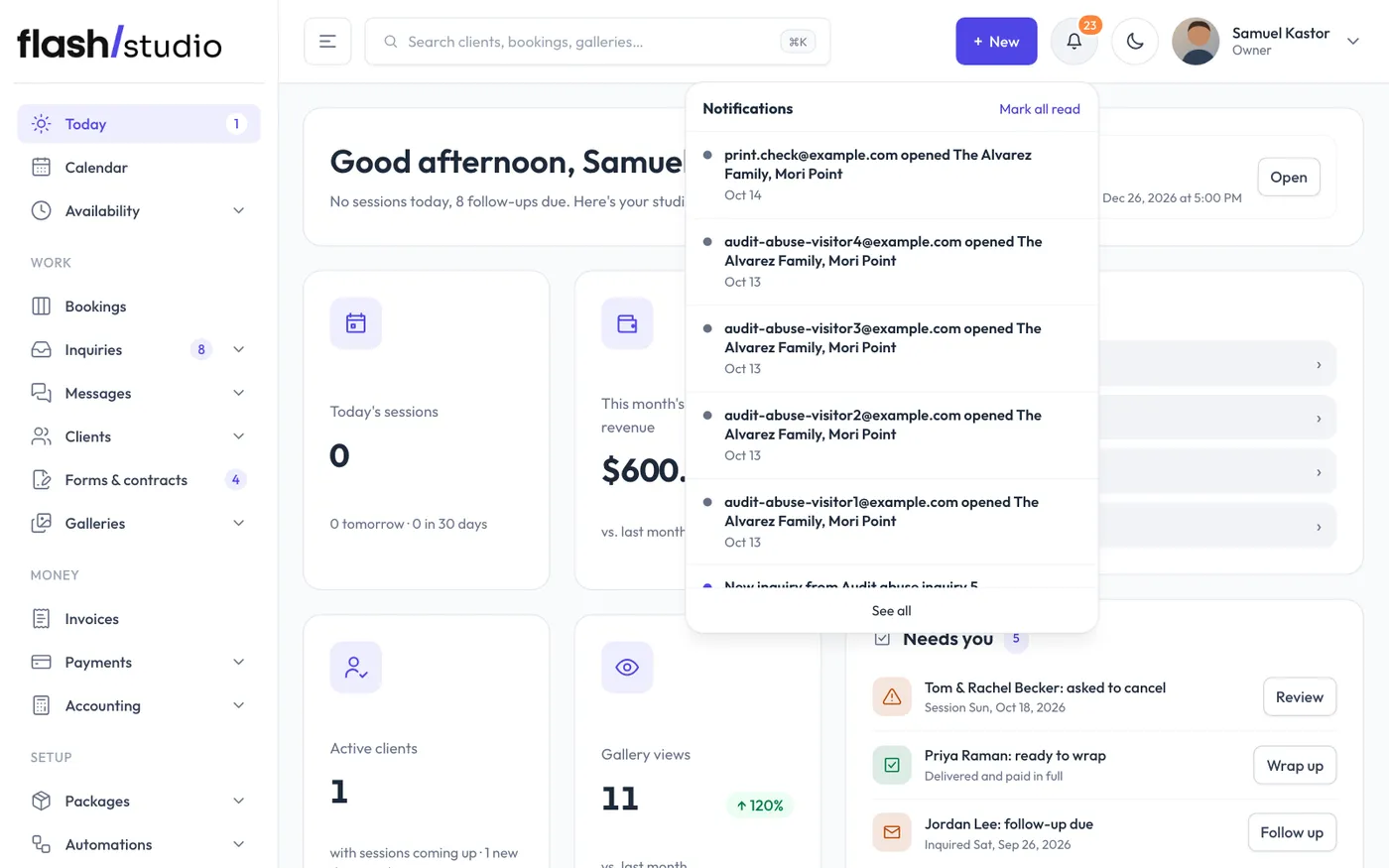
Click Mark all read to clear the unread count. Each person on your team has their own read state. Notifications are kept for 90 days.
Settings
Go to Settings > Notifications:
- Send studio notifications to: the address for new bookings, new inquiries, cancellation requests, reschedules, overpayments, signed contracts, completed forms and the digest. Leave it empty to get none of these emails.
- Daily digest: a once-a-day email with follow-ups due, sessions in the next 48 hours, upcoming bookings with an unsigned contract, and sessions this week still missing a questionnaire. It's only sent when there's something to report.
- Remind clients the day before their session: a short "see you soon" email with their session details and portal link.
- Remind clients about a balance still open, a few days before their session and again after it: sent when money is still owed. Bookings on a payment plan get the plan's own emails instead.
- Remind clients before their gallery closes: emails clients before a gallery with an end date closes.
- Days before it closes: when those reminders go, such as "7, 2" for a week before and two days before.
Click Save. The client reminders are on unless you turn them off.
To check that an email reached a client, see Sent emails and the automatic emails.