
Messages with clients
Clients write to you from their portal and you answer from Messages, with an email to each side when the other writes.
Messages keeps every conversation with a client in one place, next to everything else about them.
How clients write to you
Every client portal has a Messages card. A client types a question and clicks Send message. You get:
- a notification in Flashslash (and on your phone, if you turned on notices),
- an email with what they wrote, and a link to the conversation.
Answer, or start a conversation
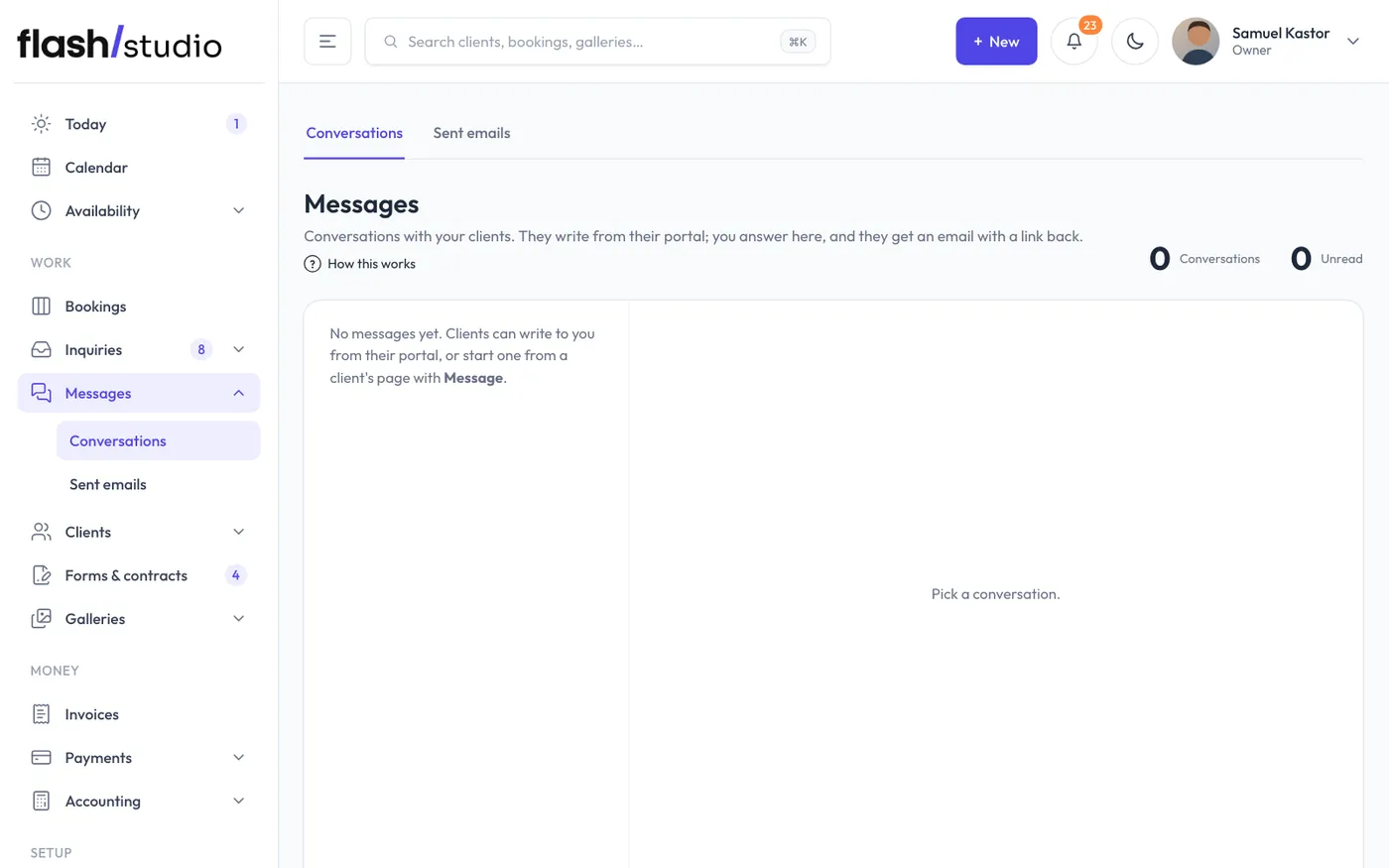
Go to Messages in the menu. Conversations are listed newest first, with unread ones in bold and a count on the menu. Click one, type your answer and click Send. To write first, open the client's page and click Message.
The client gets an email with your message and a Reply in my portal button. Their portal shows the whole conversation, and your messages show Seen once they've opened it.
Good to know
- When several messages arrive close together, the email goes once (within 10 minutes), not for every message.
- Messages are part of the client's data: they're in the client's data export and removed when you erase a client.
- A demo studio's portal shows the Messages card but doesn't send anything.
Still have a question? support@flashslashapp.com