
Importing clients and sessions from a spreadsheet
Bring your clients, and their past and upcoming sessions, over from HoneyBook, Dubsado, Sprout, Pixieset or a spreadsheet. Nobody is emailed.
Switching from another tool? Export your clients as a CSV file and import them in one go. Their past and upcoming sessions can come too, with what they've already paid. Nobody is emailed while you import.
Only owners and admins can import.
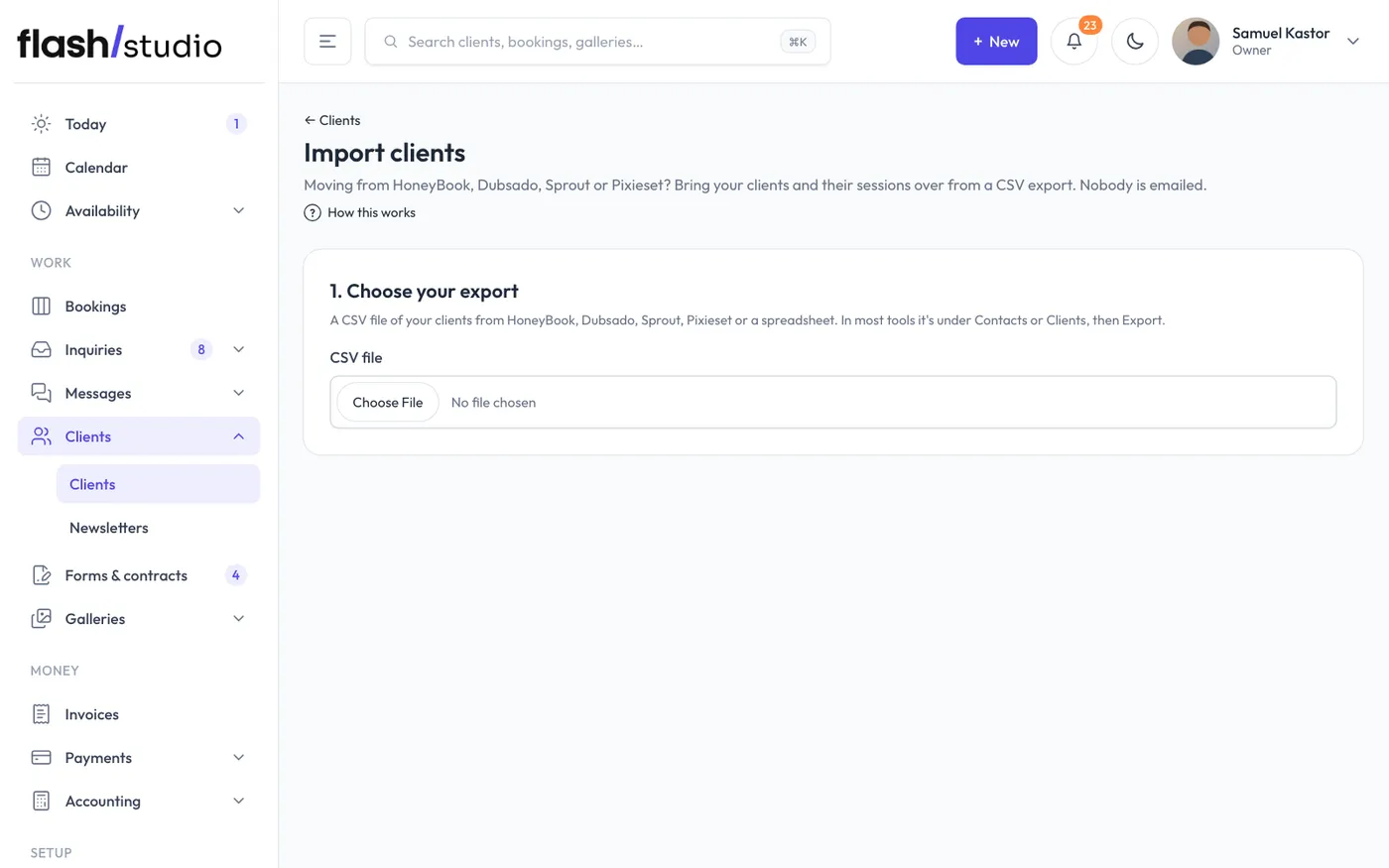
1. Choose your export
Go to Clients, click Import clients and pick your CSV file. In most tools the export is under Contacts or Clients, then Export. A plain spreadsheet saved as CSV works too.
One file can have up to 5,000 rows and be up to 4 MB. Split a bigger file and import it in parts.
2. Check the columns
Flashslash matches your file's columns to what it needs: name (or first and last name), email, phone, tags or source, notes, and for sessions the date, time, session type or package, location, session total and amount paid.
Check each match. Change any that are wrong, and pick Not in this file for anything your file doesn't have. Email is the only column you need. Set Exported from so you can tell your imports apart later.
If your file has a session date column, Also bring in their sessions is ticked. Untick it to import just the people.
3. Check and import
The preview shows the first rows as they'll come in, each marked ready or with the reason it will be skipped:
- No email, or an email that doesn't look right.
- No name.
- The same person already earlier in the file (unless the row is another session for them).
Click Import (the button shows how many clients are ready). When it's done you see how many new clients came in, how many were already here, how many sessions were added and how many rows were skipped.
What comes in
- Clients. Each one gets their own portal link. Notes go into "About them" and tags or source become tags.
- Clients already in Flashslash (same email) aren't added twice. Their tags are added, and an empty phone or "About them" is filled in.
- Past sessions come in as completed.
- Upcoming sessions come in as confirmed. Their times are blocked so nobody can book over them online, and they go on Google Calendar if it's connected.
- Amounts already paid are recorded as paid before Flashslash, so the balance on each session is right.
- Packages. A session whose type matches one of your packages by name uses that package. Otherwise a hidden one-off package is made for it.
- No contracts or questionnaires are sent for imported sessions.
US dates are read month first, so 10/14/2026 is October 14. A session with no time is set for noon.
Undo
Every import is listed under Imports so far. Click Undo, then click again to confirm. It takes out the sessions that import added, with their payments, and the clients it added. A client who has had anything else since, such as a new booking, a gallery, a form or an email, stays.