
The shoot-day view
One session on your phone, in the order you need it on the day: when, where, the client, and what's still open.
The shoot-day view puts one session on a single page made for your phone. Open it on a confirmed booking's page with Shoot-day view at the top.
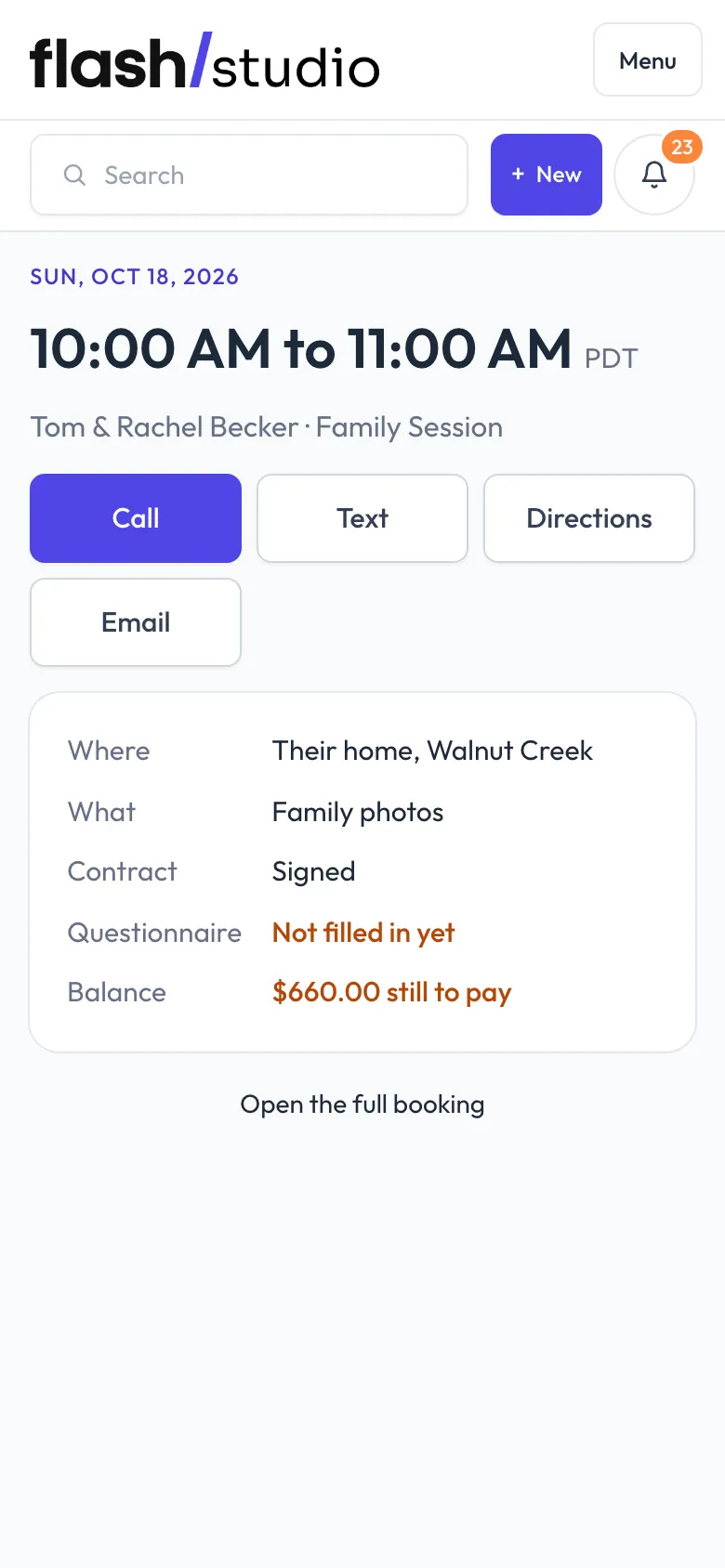
What it shows
From top to bottom:
- The date, the time it starts and ends, the client and the package.
- Buttons to Call or Text the client (when you have their phone number), get Directions to the location (it opens a map), or Email them.
- Where and What you're shooting, and who's Shooting if you've added a team.
- Contract: Signed, Not signed yet or None sent.
- Balance: how much is still to pay, or Paid in full.
- From the client: notes they gave when booking, and Your notes: the booking's private notes.
- Their Questionnaire answers, and answers to any other forms they've finished.
Anything still open, like an unsigned contract or money owed, is highlighted.
Open the full booking at the bottom takes you back to the booking's page.
Still have a question? support@flashslashapp.com