
Crew pay
Set what you pay a second shooter or assistant for each session, keep track of what you owe, and mark it paid.
Crew pay keeps track of what you owe the people who shoot or assist on your sessions, session by session, and what you've already paid. Flashslash doesn't send the money; you pay them your usual way and mark it paid here.
Owners and Admins can see and change crew pay.
Before you start
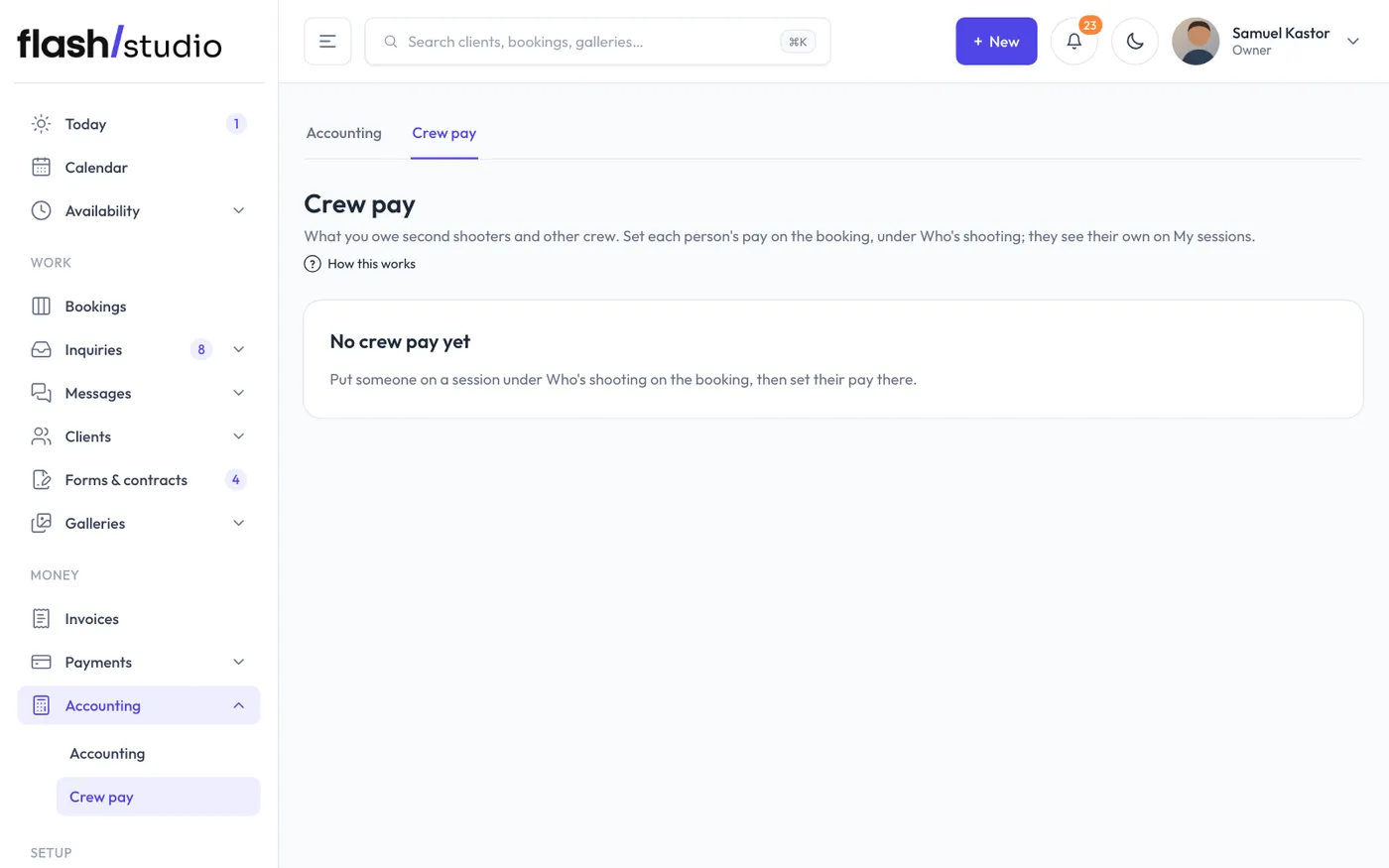
Crew pay is for people on your team. Working alone? Accounting > Crew pay says No crew yet and points you to Settings, Team. Invite your second shooter or assistant there first. See Invite someone to your team.
Set someone's pay for a session
- Open the booking and put them on it under Who's shooting. See Put someone on a session.
- Under the names, find Crew pay. Each person on the session has a box.
- Type their amount, like 150.
- Click Save pay.
If you've already paid them, tick Paid next to their amount before you save. The date you marked it paid shows beside it.
See what you owe
Go to Accounting > Crew pay.
- The line at the top adds up what you owe each person.
- Owed lists each person, the session (click it to open the booking), the date and the pay. Click Mark paid once you've paid them.
- Paid lists what you've paid, with the date, up to the last 100.
Only confirmed and finished sessions count. If a session is cancelled, its crew pay drops off the list.
What your crew sees
Each person sees their own pay on My sessions, under Your pay, with "not paid yet" or the date you paid. Nobody sees anyone else's pay, and Shooters still see no prices or payments from your clients. See What shooters see.